Contents
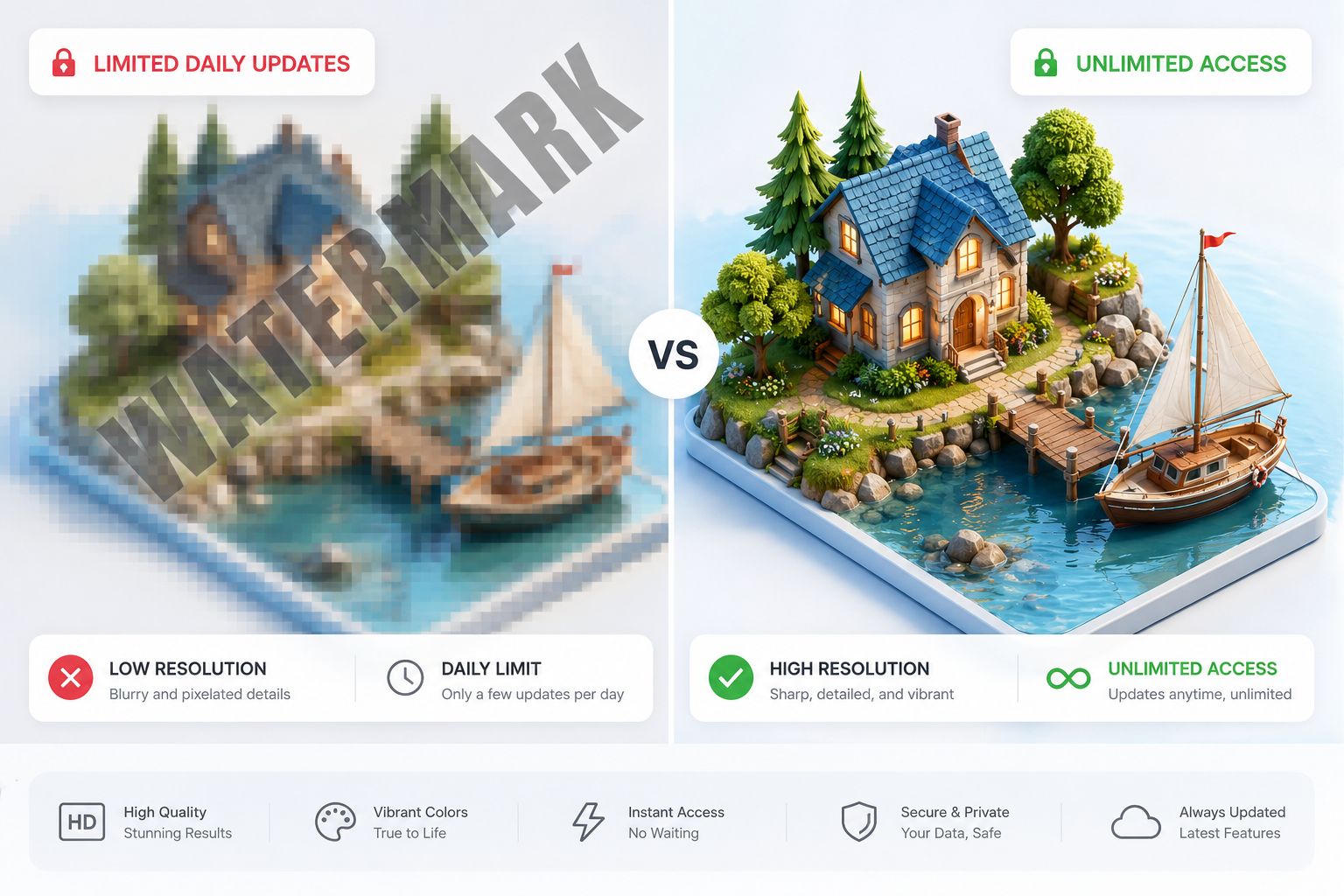
Finding a truly free image upscaler is harder than it looks. While a few tools let you process files without caps, most restrict you to just a handful of daily uploads. Others hit you with big watermarks or hide essential options behind a paywall. If you have ever signed up for a “free” service only to run into an unexpected paywall, you are definitely not alone.
What “Free” Actually Means Today
In the AI industry, “free” is often just a marketing hook. Here is what you usually get when a platform claims it costs nothing:
- The Watermark Trap: Services like Upscale.media allow 5 daily enhancements, but they stamp a watermark on your images unless you subscribe for $9 a month.
- The Limited Trial: Platforms like Let’s Enhance give you 10 initial credits when you create an account, but once those are gone, you cannot do anything without buying a paid subscription.
- Free with daily limits: Freepik allows 10 exports per day up to 2K resolution, while Deep Dream Generator caps you at 3-5 images daily.
- Free with ads and restrictions: Remini offers limited free processing with advertisements and pushes users toward subscriptions.
- Genuinely unlimited free: Desktop tools like Upscayl provide truly unlimited local processing with zero restrictions.
The Hidden Downsides of “Free” Browser Tools
Free image upscalers in the browser may seem like an easy solution, but there are often limitations you only notice after using them. Most of these tools process your images on their servers, which means your photos are uploaded online and can sometimes be stored for a day or even several days.
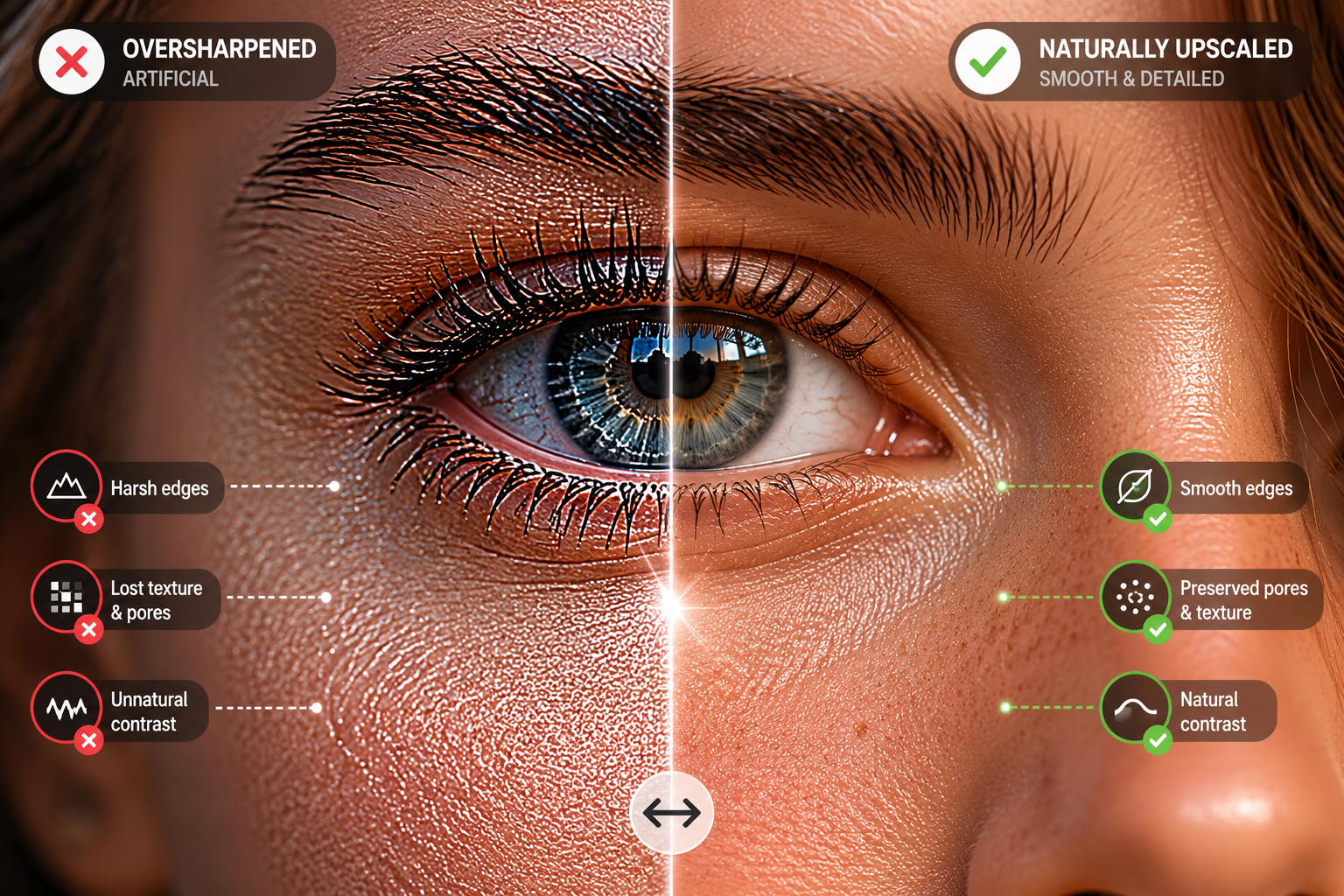
Another common problem is quality. Free versions often use simpler AI models, so instead of making images look naturally sharper, they can make edges look too harsh and remove small details in things like hair, fur, clothes, or backgrounds.
Size limits are also very common. Many free tools only work with smaller images or limit how much you can upscale them. This can be frustrating if you want to print something large or need high-quality results for work. For example, a big poster needs a very high-resolution image, and most free tools simply can’t handle that – forcing you to look for advanced alternatives like a professional 4X image upscaler to get the required density and clarity.
What You Get with Image Upscaler
Every registered user at imageupscaler.com gets 3 complimentary credits monthly for every available tool, ensuring top-tier results without any intrusive watermarks.
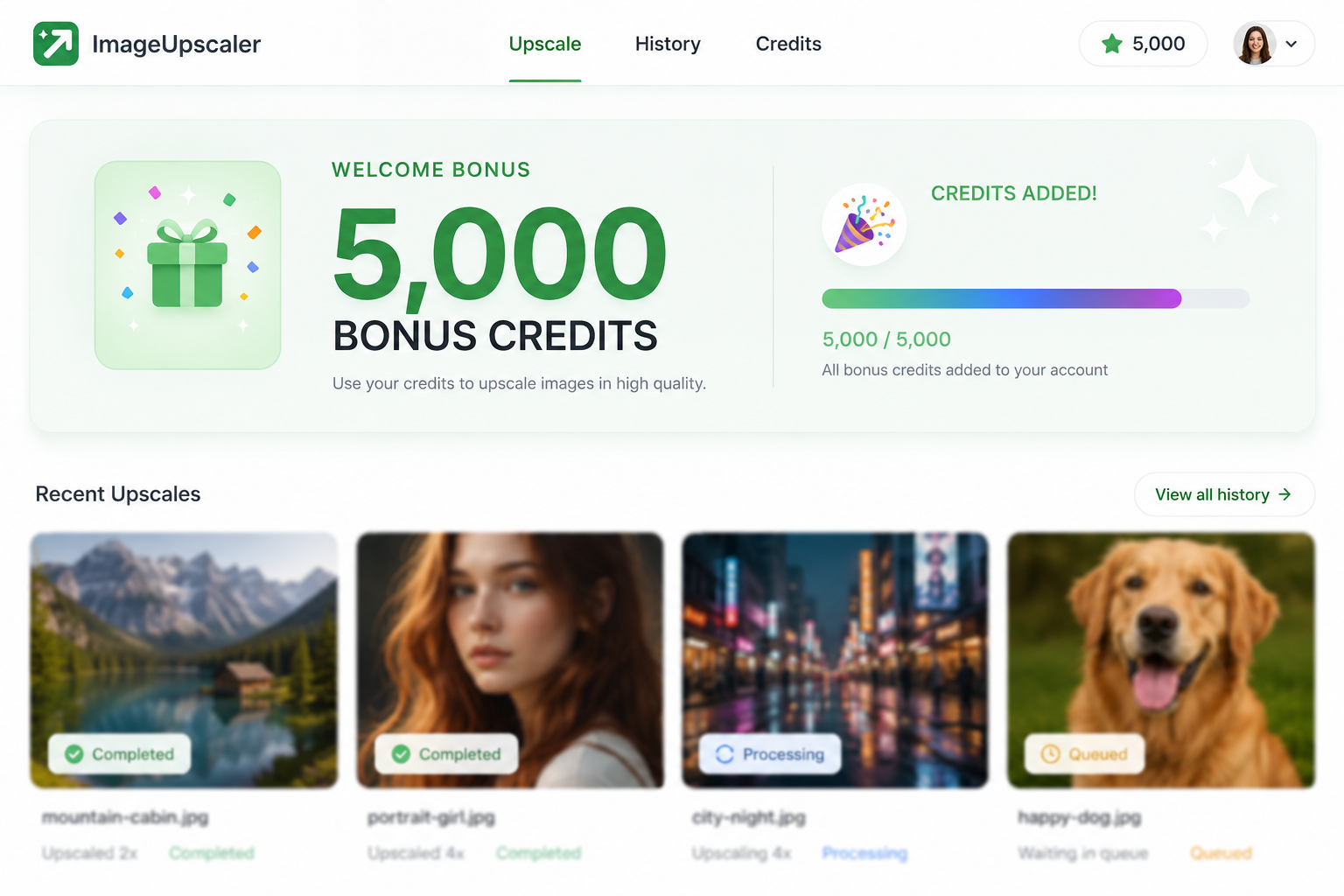
🔥Limited-Time Campaign: Sign up today to claim 5,000 bonus credits and explore everything we offer with zero restrictions – from premium image enhancement and unblurring to background isolation and AI generation.
We don’t believe in hidden throttles or sudden slowdowns after a couple of tasks. These credits unlock our entire toolkit with zero artificial barriers.
Basic free tools usually can’t keep up with serious commercial projects. For instance, when you need to print crisp posters or large banners, you absolutely require 150-300 DPI resolutions, which standard free options simply cap. Similarly, if you are a product photographer handling over a thousand shots every month, a busy marketing agency, or an e-commerce brand looking to automate your workflow, you need heavy-duty features. Our paid plans step in right here, giving you access to seamless batch processing and high-speed API integration to handle those large workloads smoothly.
The Real Difference: Model Quality vs. Marketing
The most important distinction isn’t price – it’s the AI model powering the upscaling. Free tools use lighter architectures because GPU processing costs money at scale. This produces decent results for simple photos but struggles with complex textures, faces, and AI-generated content.
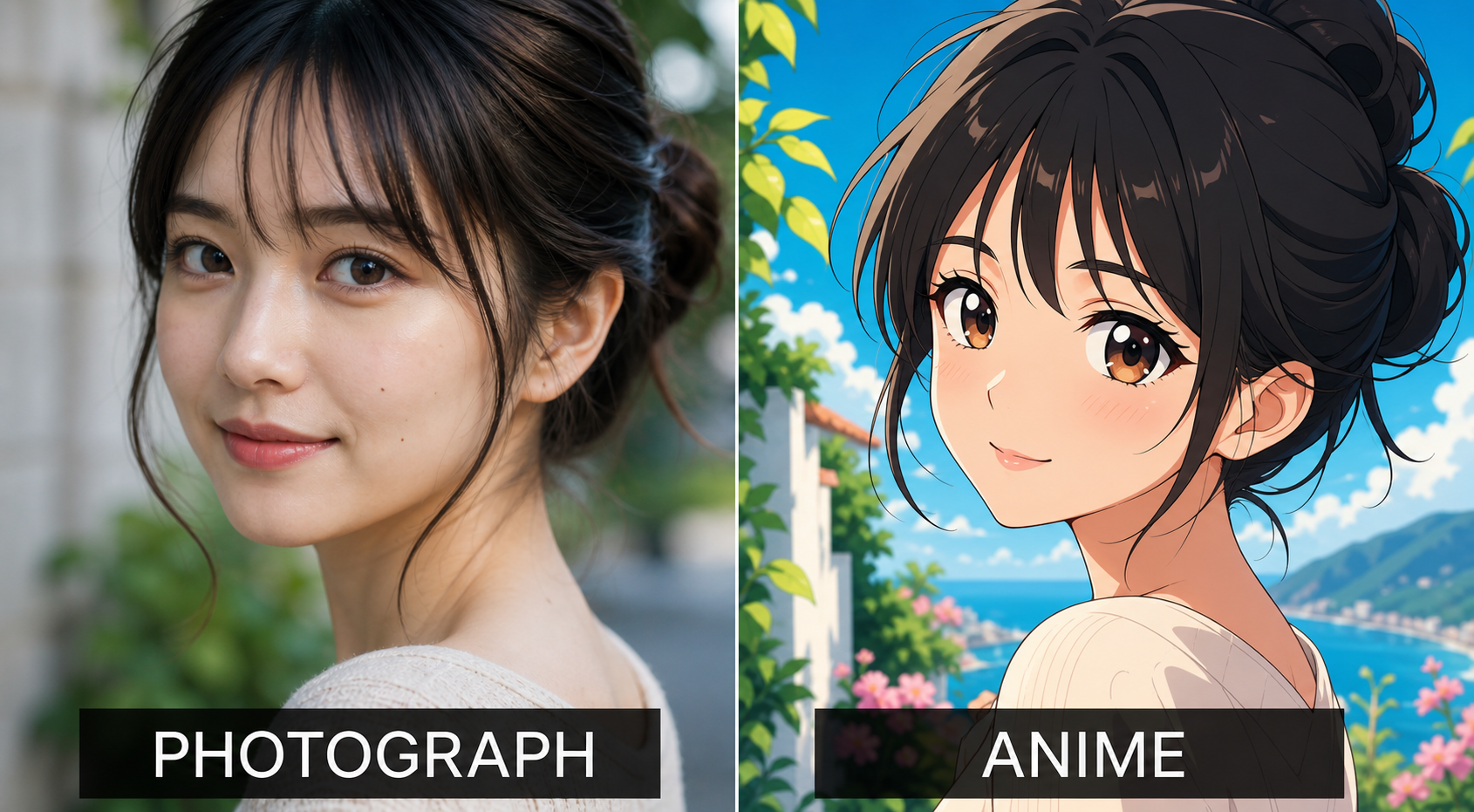
Professional tools invest in specialized models for different content types. A portrait needs different treatment than a scanned document, product photo, or digital illustration. Platforms offering multiple processing modes (like Image Upscaler’s customizable models for comic/anime images) deliver better results because one model cannot optimize across fundamentally different image structures.
Making the Right Choice
Before committing to any upscaler, test it with your actual images. Different tools behave differently on portraits versus logos, AI art versus photographs. Ask yourself three questions:
- What’s the end use? Web and social media work well with free tools; large-format prints and commercial output need stronger models.
- What’s your volume? Occasional one-off images suit free tiers; ongoing professional work justifies paid subscriptions or credit bundles.
- Do you have privacy constraints? If images can’t leave your machine, local desktop tools (free or paid) are the only option.
For most creators, the practical approach is using free or limited credits for drafts and internal previews, then applying professional-grade upscaling to final deliverables. With Image Upscaler’s current 5,000-credit promotion, you have ample room to test whether cloud-based AI processing fits your workflow before committing to a subscription.
The best “free” upscaler isn’t the one with the cleverest marketing – it’s the one that transparently delivers the quality and volume you actually need.