Please upload images to process here:

AI Image Enlarger

Enlarge photo online in one click
Sign Up to get free credits every month

Enlarging process takes 10-60 sec

Credit Balance:
Add file
Add file or drop files here

Supports JPG, JPEG, PNG, WEBP or BMP up to 30MB and 2000x2000; larger images will be downsized.

Thumbnail Type Input Output Status Name

Processed images


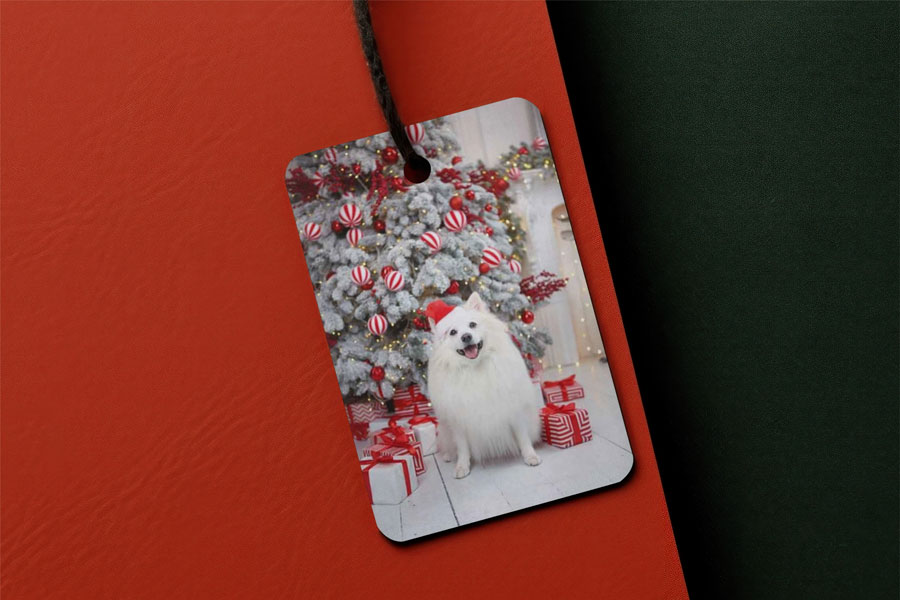
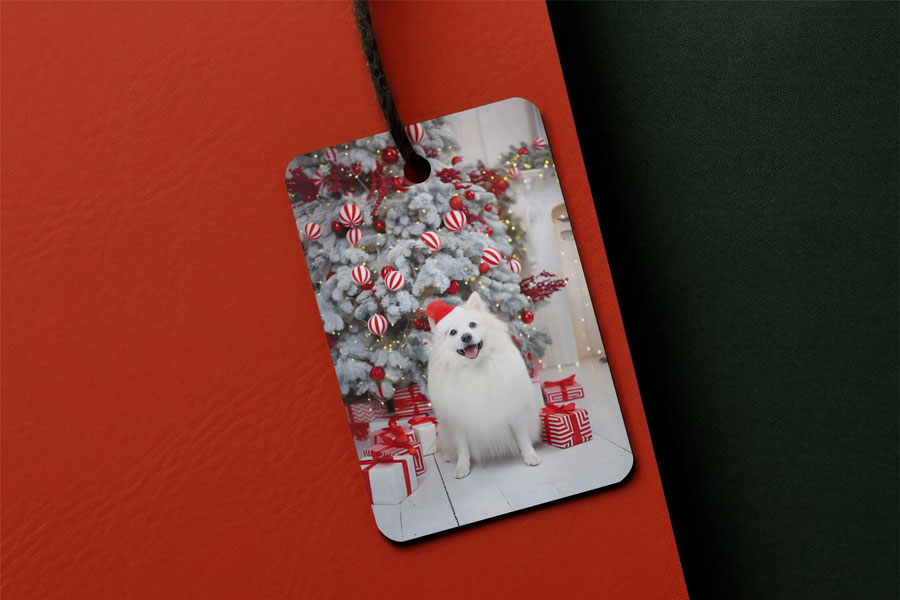
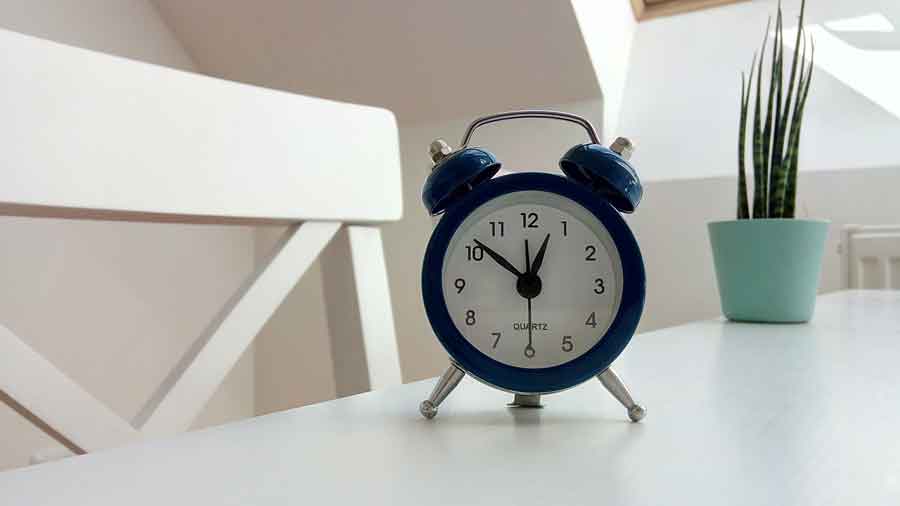
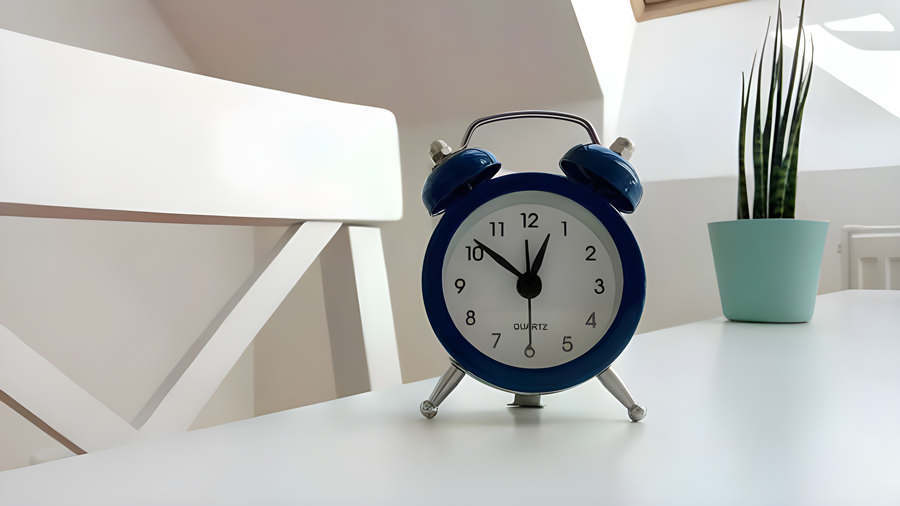
  • Before enlarge image for printing After enlarge image for printing

    Enlarge Image for Printing

  • Before enlarge product photo After enlarge product photo

    Enlarge Product Photo for Amazon

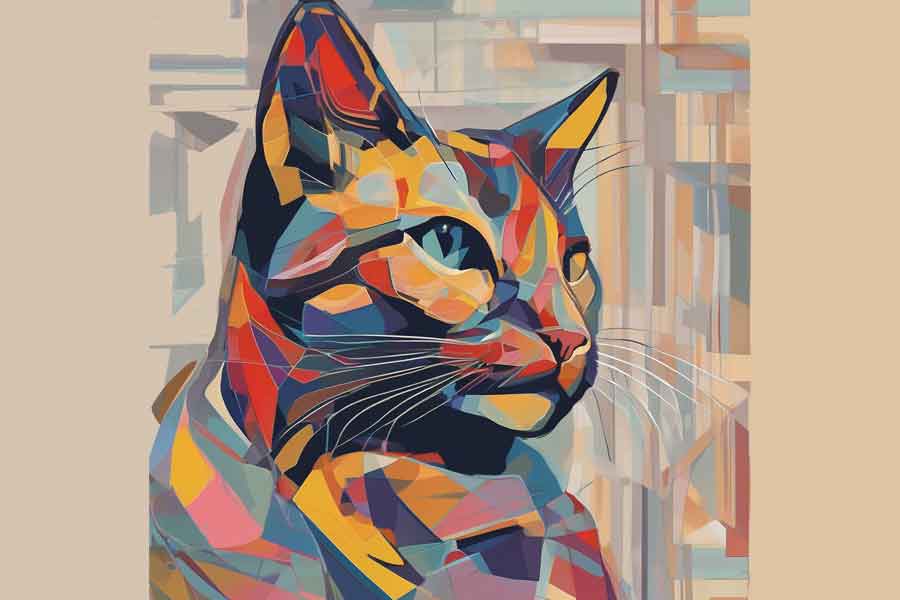
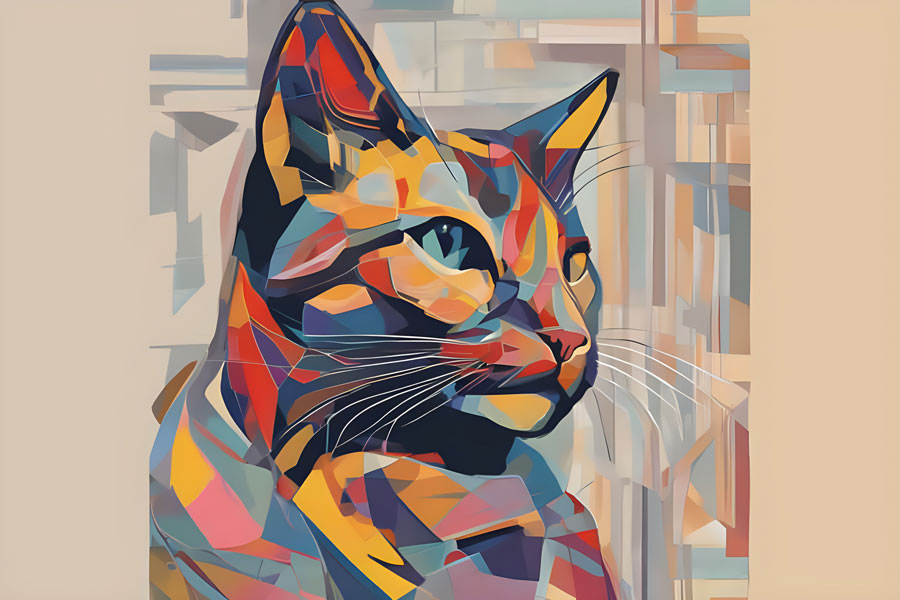
  • Before enlarge photo After enlarge photo

    Enlarge AI Generated Images

Before make image bigger After make image bigger

Make Image Bigger Without Losing Quality

AI Image Enlarger is an advanced, tool that makes visuals bigger without losing quality. It uses an AI algorithm to increase image size up to 8 times. Image enlarger is suitable for professionals and enthusiasts alike as it has a user-friendly interface that allows you to easily and fast extend your photo with one click.

Try it!
Before enlarge image After enlarge image

Enlarge Image for Large Format Printing

Having a sharpened and detailed image is important to ensure high-quality large format printing. Whether it's for advertising banners, exhibition displays, or artistic prints, the need for large, crystal images is undeniable. Our AI Image Enlarger makes it easy to extend images while saving their quality. After setting up DPI manually the final print will save the depth and richness, necessary for large formats.

Try it!
Before enlarge image After enlarge image

Enlarge Photo for E-commerce

Photo enlarging is essential in many industries due to its ability to quickly make images bigger without losing quality. When it comes to e-commerce, having large, high-quality pictures is crucial for conversions. Enlarged photos could not only attract new customers but also encourage them to make a purchase. Whether you're showcasing jewelry, tech gadgets, or interior elements, with our AI Image Enlarger, you can resize your pictures in one click to attract more customers

Try it!

How to make the image bigger for free?

No manual editing or complicated settings – just one click and you get your bigger image. Discover the magic for yourself! Upload a photo now and witness the transformation firsthand. Enlarge your images without losing quality with our intuitive online tool for free in a few steps:

  • Step 1: Upload the image you wish to enlarge.
  • Step 2: Our AI technology instantly begins processing your image. The photo enlargement process takes 10-40 seconds.
  • Step 3: Check and save the resized image to your device.
  • Step 4: If you need a bigger image, repeat these steps. (works only if your original image dimension was smaller than 2000*2000).

Enlarge image up to 16K

If you need a larger photo, please note that you can extend it up to 16K. The dimension of the photo depends on its original size. If the photo is less than 2000 pixels, it will be enlarged by the specified number of times according to the following settings:

  • Enlarge 2x image size up to 4K (4000*4000 px)
  • Enlarge 4x image size up to 8K (8000*8000 px)
  • Enlarge 6x image size up to 12K (12000*12000 px)
  • Enlarge 8x image size up to 16K (16000*16000 px)

Please note that images larger than 2000 pixels will first be reduced to 2000 pixels and then enlarged.

Perfect AI Enlarger Tool for all your needs

AI-powered photo enlarging tools can be used in a variety of applications where large high-quality images are beneficial. Here are some common use cases:

Photography: Photographers can use AI image enlarger to increase the size of their photos for large format prints without losing detail or introducing pixelation.

Graphic Design: Graphic designers often need big pictures for their projects. AI can help make images bigger for use in banners, posters, and other print materials without losing quality.

Web Development: Web developers can use AI to resize images for high-resolution displays while keeping the file size manageable, ensuring that websites look sharp on all devices without slowing down load times.

Digital Art: Artists can increase image size on their digital artwork for larger prints or digital displays, allowing for more detail to be seen in their work when viewed at larger sizes.

Education and Research: Researchers can use Enlarger to expand the size of visual data in their studies, whether it’s historical documents, scientific images, or any other materials where detail is important.

Real Estate and Architecture: High-quality images are crucial in real estate for showcasing properties. AI photo enlargement can help enhance listings and presentations.

Social Media and Marketing: For marketing professionals, having big and high-quality photos is vital for creating engaging content. Enlarging photos can help in social media posts, digital ads, and promotional materials.

AI photo enlarger automatically increases image size up to 4, 8, 12, and 16K without losing quality and saves all details.

Tips for Better Photo Enlarging

Start with High-Quality Originals: The better the quality of the original image, the better the results.

Consider the Aspect Ratio: Ensure the aspect ratio of the original image suits your enlargement needs. Adjusting the aspect ratio beforehand can prevent unwanted cropping or distortion.

Use the Preview Feature: Take advantage of any preview options to check how your image will look post-enlargement. It’s a great way to ensure the final result meets your expectations.

Experiment with Different Sizes: Don’t be afraid to experiment with varying degrees of photo enlarging (up to 16x) to find the perfect balance between size and quality for your specific needs.

Other Tools

FAQ:

01

How to Prepare the Image for Print?

To prepare an image for print, ensure it's big enough to avoid a blurry or pixelated printout. If your picture is too small, use our AI Image Enlarger software to make it bigger. Our AI algorithms extend the image while preserving detail, making it suitable even for large-format printing. Always start with the highest quality image you have for the best results.
02

Does an online image enlarger have any limits?

Yes, AI Image Enlarger has some limitations, including:
  • The maximum image size is 30 Mb.
  • Upload Image width and height are limited to 10000 pixels. But the download image can be no more than 16000x16000 pixels
03

What is the difference between Enlarged Image and Upscaled Image?

Enlarged and upscaled images both use AI to adjust image size but have different focuses. Enlargement increases size while preserving quality and detail, whereas upscaling improves resolution and sharpness by enhancing pixel density. Essentially, while both processes make an image larger, upscaling is particularly concerned with enhancing image quality at higher resolutions.
04

How does AI Image Enlarger work?

AI Image Enlarger uses a type of smart algorithm called Convolutional Neural Networks (CNNs) to make images bigger. CNNs are really good at understanding pictures by looking at the patterns and textures, kind of like how our brains recognize faces or objects. When the AI enlarges and extends an image, it uses what it has learned from lots of other images to guess the best way to add new details, making the picture bigger without losing quality.
05

Can I customize the level of the photo enlargement?

Yes, using our workspace you can choose between 4K, 8K, 12K, and 16K. AI Image Enalrher will make the image larger in 4 times based on the original image's dimensions.
06

What images are best enlarged?

For enlarged image processing the best suits images with clearly drawn details and contours. Photos that are already of good quality and contain a significant amount of detail will benefit the most from the enlargement process, as the AI has more information to work with and can more accurately enlarge and extend the image.
07

Is the AI Image Enlarger free?

If you non-login user, you can enlarge up to 3 photos per month for free. AI Image Enlarger provides 3 free credits per month for all registered users so you can make 3 pictures bigger monthly without any charges. Register now.
08

How much time does it take to enlarge an image?

We have ensured that you receive the desired result in the shortest possible time. Just upload your image, and wait 10-40 seconds - ready - you can use it for all your needs.
09

What is the highest output resolution I can get?

Using an AI Image Enlarger, you can make pictures bigger, up to a size of 16K which is 16000x16000 pixels. If your picture is already bigger than 2K the software first makes it smaller, to 2000x2000 pixels. This step makes sure the picture looks good when it's made bigger. After making it smaller, AI increases the size of the picture to its biggest possible size - 16K, making sure the picture looks clear and sharp.