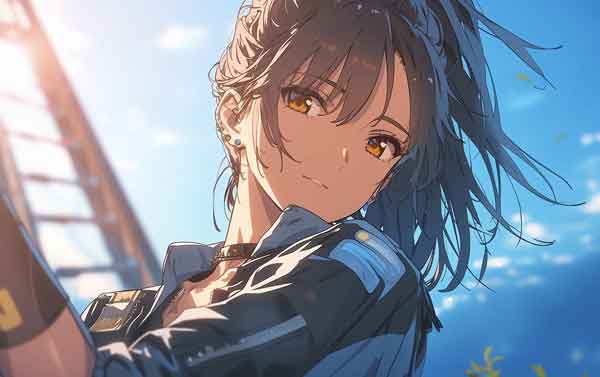
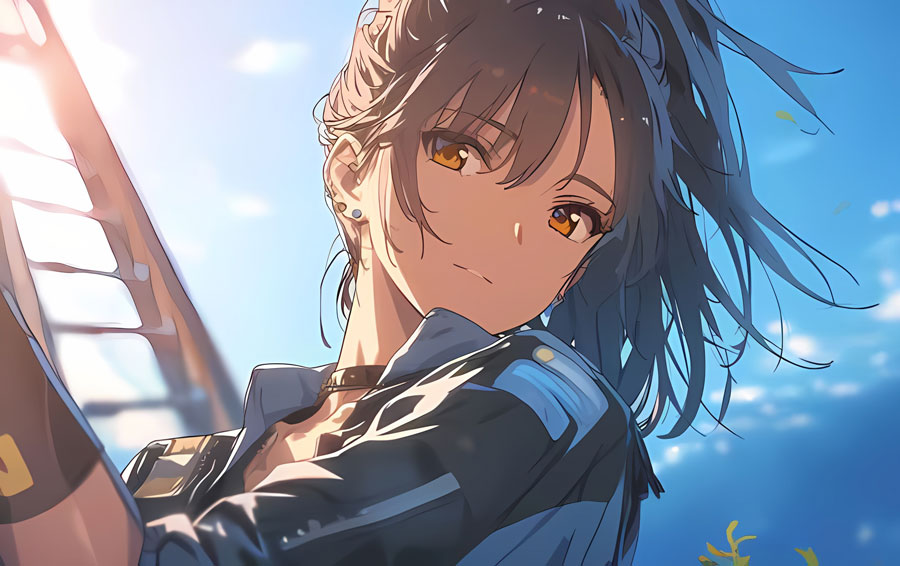
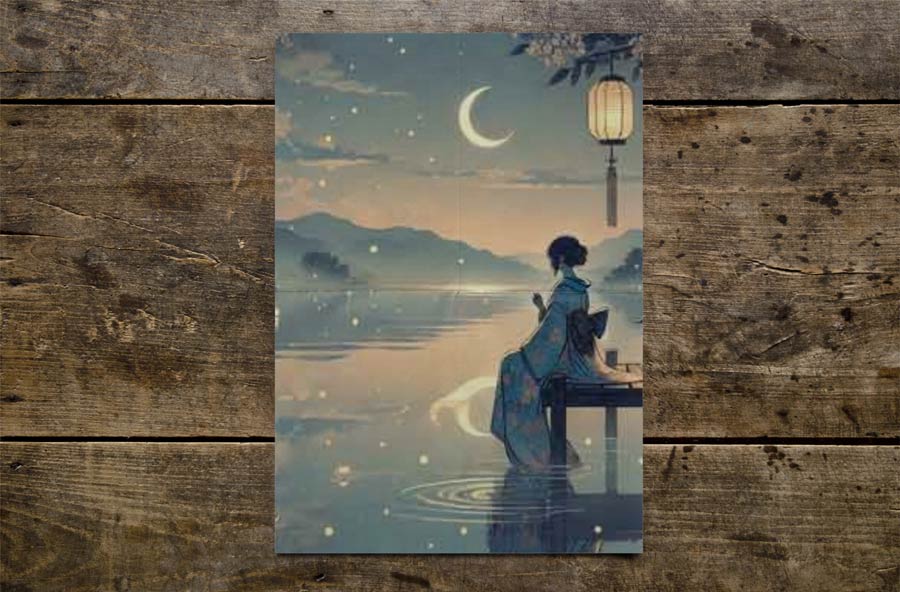
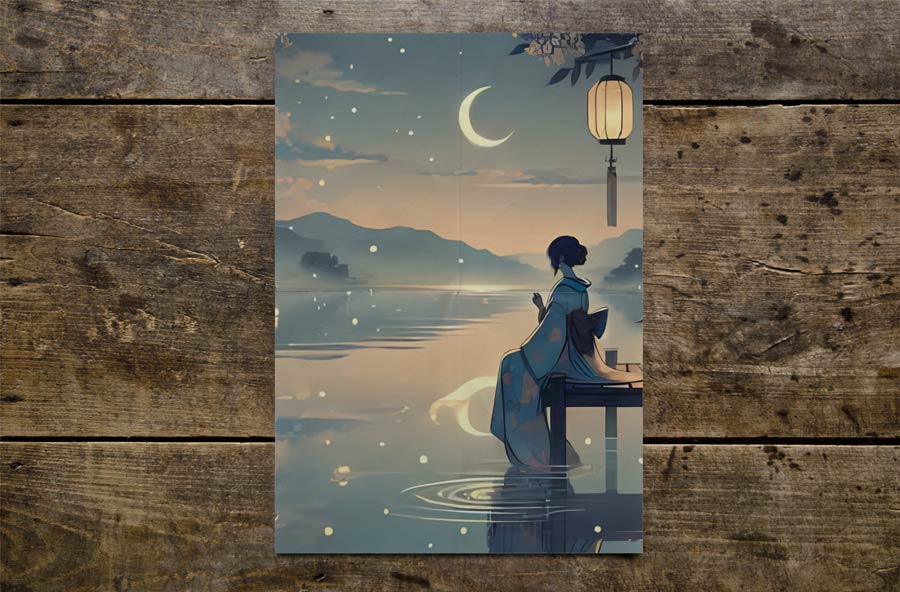
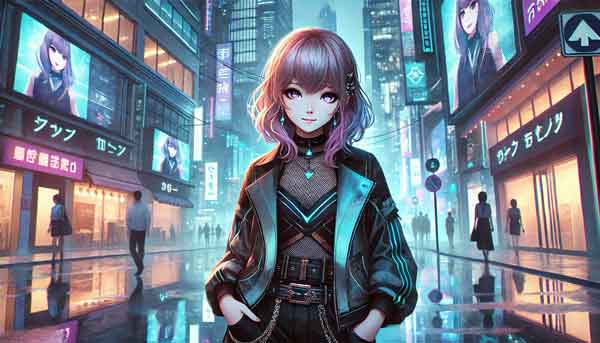
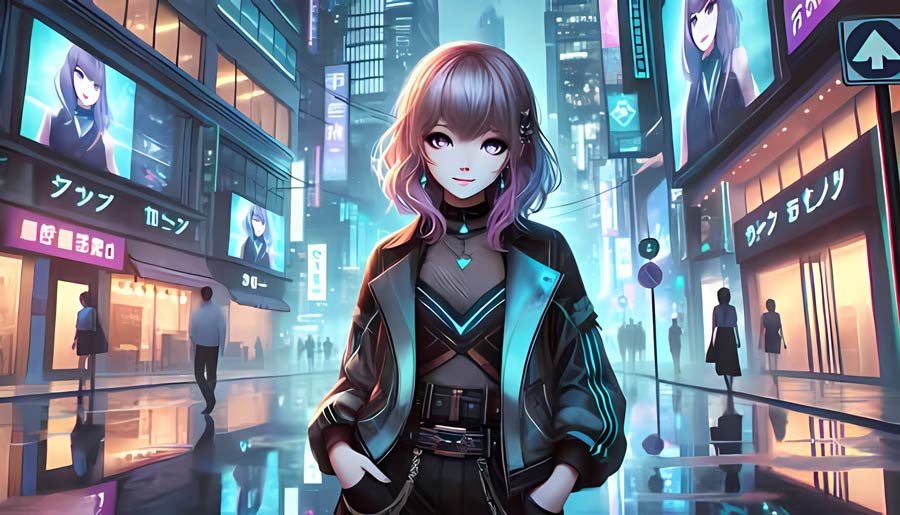
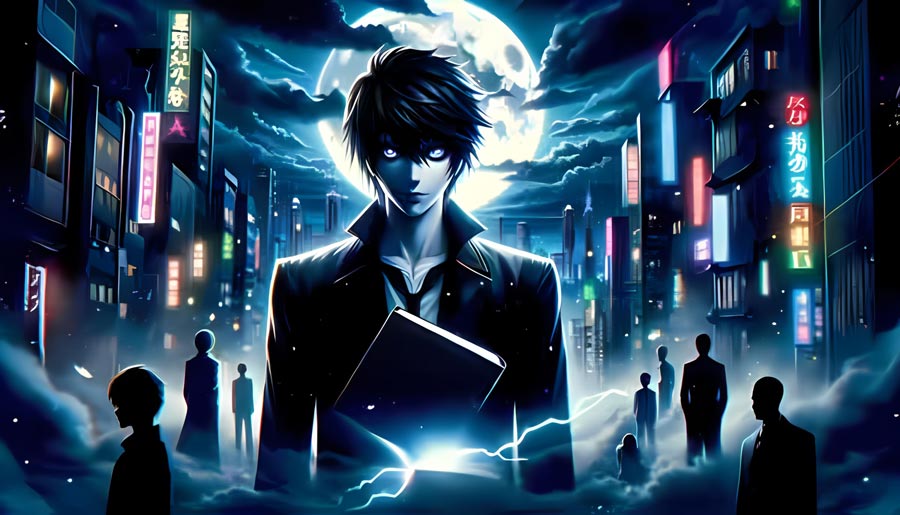
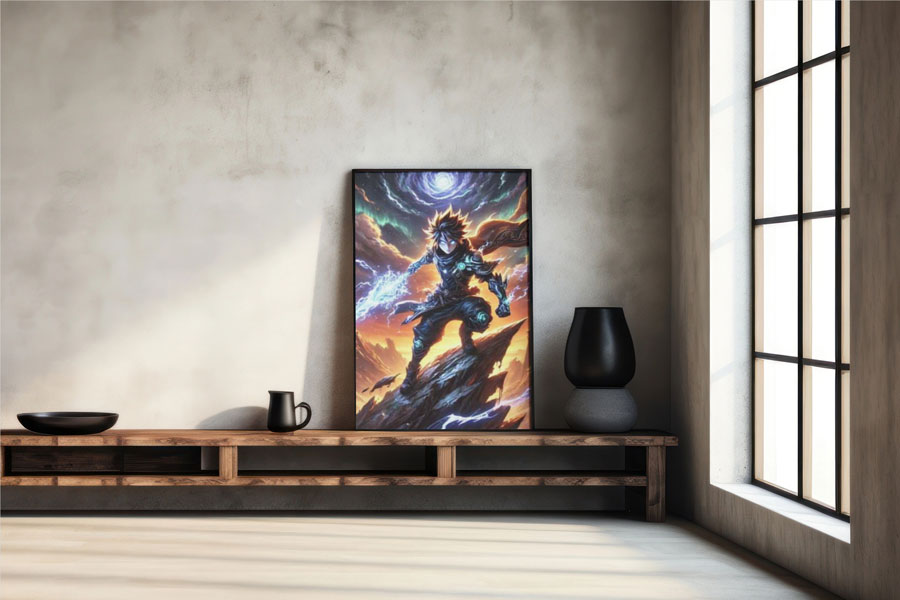
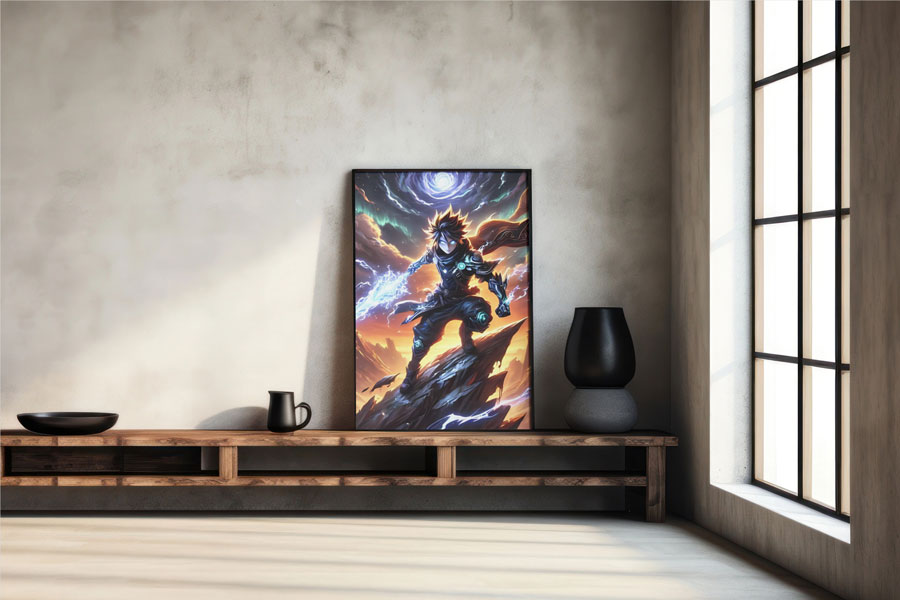
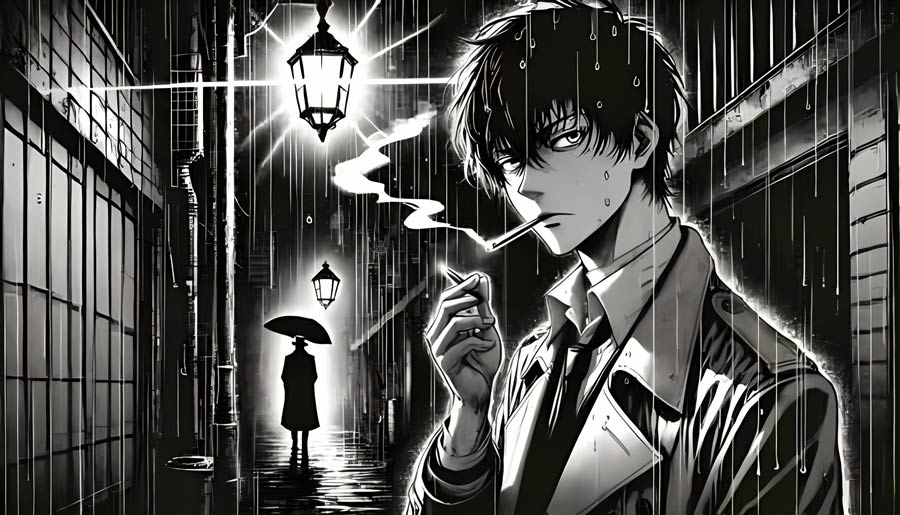
How to upscale anime to 4k step by step:
- Step 1: Click the “Add file” button and upload the anime image you want to upscale
- Step 2: Set up processing options: 2X, 4X (If you want 6X, 8X, you need to subscribe)
- Step 3: Wait 10-40 seconds
- Step 4: After processing, click “Edit this image” if you want to adjust the result. In the editor, you can crop, rotate or flip the picture, fine-tune colours, apply filters, add watermarks or annotations, or manually set a new size by entering exact dimensions.
- Step 5: To save the result, click the “Download” button.
How does anime upscaler work
Anime image upscaling is performed by an AI model that reconstructs higher resolution versions of illustrated images using learned patterns from anime artwork. The system evaluates how lines, shapes, and color areas are arranged in the original image, then estimates additional pixel information required to scale the image up.
A GAN-based architecture trained on large collections of anime-style images is used to infer missing details during enlargement. Instead of enlarging existing pixels, the model synthesizes new ones that follow the visual logic of drawn content, maintaining consistent outlines and color separation as resolution increases.


