The most meaningful photos rarely happen under perfect conditions. They are taken spontaneously — during an evening walk, over candlelight in a café, on the move, or in a moment of genuine laughter. These are the images people want to keep, and most often, the ones they choose for a Valentine’s card.
There is one common issue, though. Photos like these often turn out blurry, too dark, or low in quality. Because of that, it may feel like they are not suitable for a card or a small gift. In reality, they are. They simply need a bit of preparation.
In this article, we’ll look at how to turn an imperfect photo into a warm, personal Valentine’s card — without complex software or design experience.

Why the Most Genuine Photos Are Rarely Perfect
If you look through your favorite shared photos, you may notice a pattern: they are almost never taken “by the rules.”
This usually happens because of:
- low lighting, such as evenings, lamps, or candlelight
- movement in the frame — hugs, laughter, walking
- quick phone shots taken without preparation
- older photos or frames captured from video
- images sent through messengers where quality is reduced
And that’s completely normal. These photos were never meant to be technically perfect. They were taken to capture a moment.
Which Photos Work Best for a Valentine’s Card
When it comes to a Valentine’s card, technical quality matters less than meaning. The best photos are those that capture emotion rather than a carefully staged pose. They are often spontaneous and unplanned, and that is exactly what gives them value.
Many of these images carry a personal story — a shared walk, a fleeting moment of joy, a quiet closeness that needs no explanation. A photo connected to a specific memory usually feels far more meaningful than any technically flawless shot.
Even when an image has visible imperfections, it can still evoke warmth and bring back something important for both of you. In those cases, small technical flaws do not reduce its value — they often make it feel more real.
Common Photo Quality Issues Before Creating a Valentine’s Card
Before using a photo for a card or layout, people most often run into a few typical problems:
- low image resolution
- visible pixelation when the image is enlarged
- lack of sharpness or lost details
- noticeable noise caused by poor lighting
- images that are not suitable for printing or card layouts
The good news is that these issues can be fixed before you start designing the card.
How to Improve a Photo Before Making a Valentine’s Card
A small amount of photo preparation can significantly improve the final result, whether you are creating a digital card or a printed one.
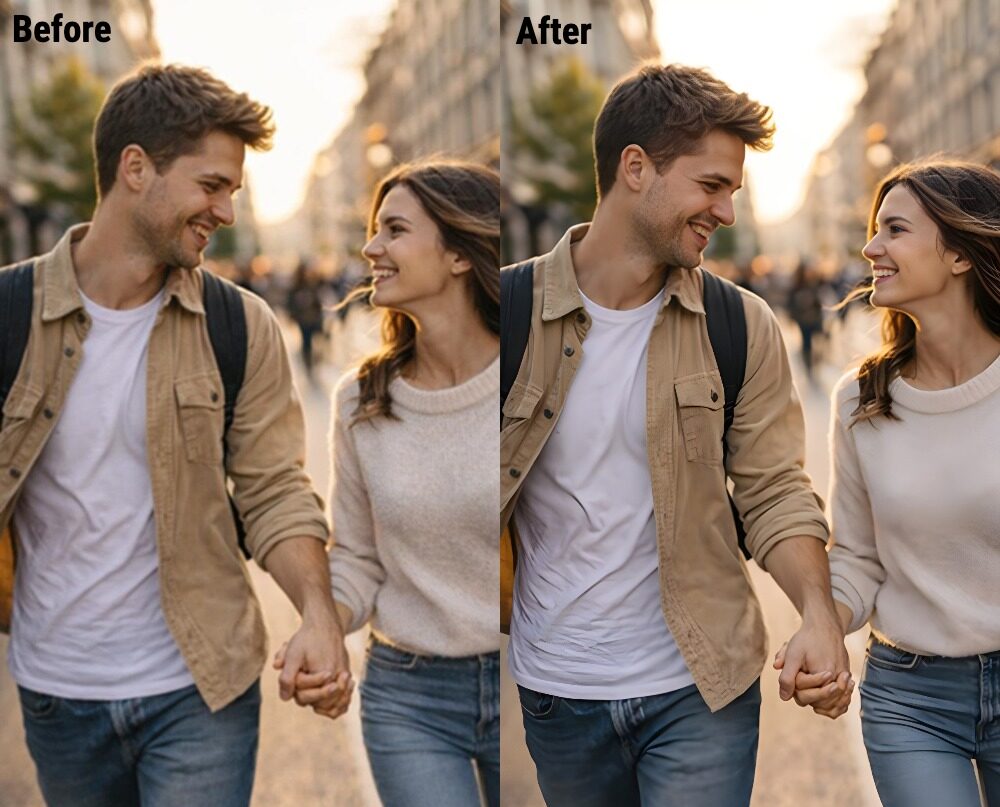
If a photo has low resolution or looks flat when enlarged, increasing its quality is the first step.
Upscale image helps you:
- increase image resolution
- prepare a photo for card layouts or printing
- enhance details without introducing heavy blur

How it works in practice:
- Go to the upscale image page.
- Click the “Add file” button and upload the image you want to upscale.
- Set up processing options: 2X, 4X, 6X, or 8X.
- After processing, click “Edit this image” if you want to adjust the result. Get an improved image ready to use in your Valentine’s card.
Unblur Image: When a Photo Is Blurred Due to Motion or Lighting
Blur is one of the most common issues in natural, candid photos. It often appears because of movement or low light, but it does not mean the photo is unusable.
Unblur image allows you to:
- restore clarity to faces and key details
- reduce motion blur
- make the photo suitable for a card while preserving its atmosphere
How it works in practice:
- Go to the unblur image page.
- Click the “Add file” button and select the image you want to unblur from your computer.
After processing, click “Edit this image” if you want to adjust the result. Get an improved image ready to use in your Valentine’s card.
What to Do Next: Where to Turn Your Edited Photo into a Valentine’s Card
Once the photo looks better, the next question is how to turn it into a Valentine’s card. You don’t need advanced graphic editors for that.
There are online services that let you create a card in minutes by adding text and saving the result:
- Canva or VistaCreate — choose a ready-made template and place your improved photo into it.
- Greetings Island — a great option if you plan to print the card at home.
- Instagram or TikTok editors — useful for creating a quick but stylish digital Valentine’s card to share online.
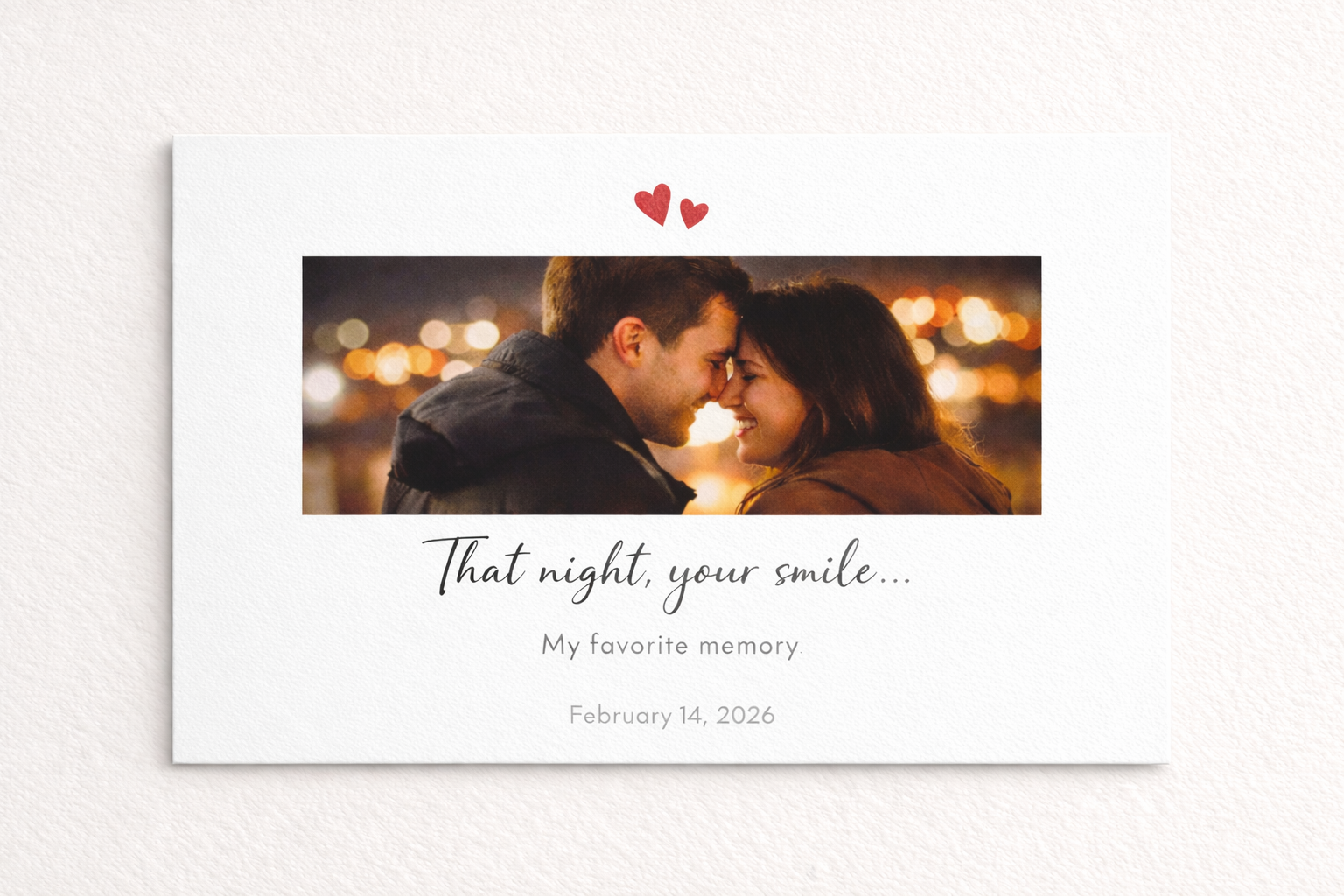
Types of Valentine’s Cards: Choose the Format That Fits You
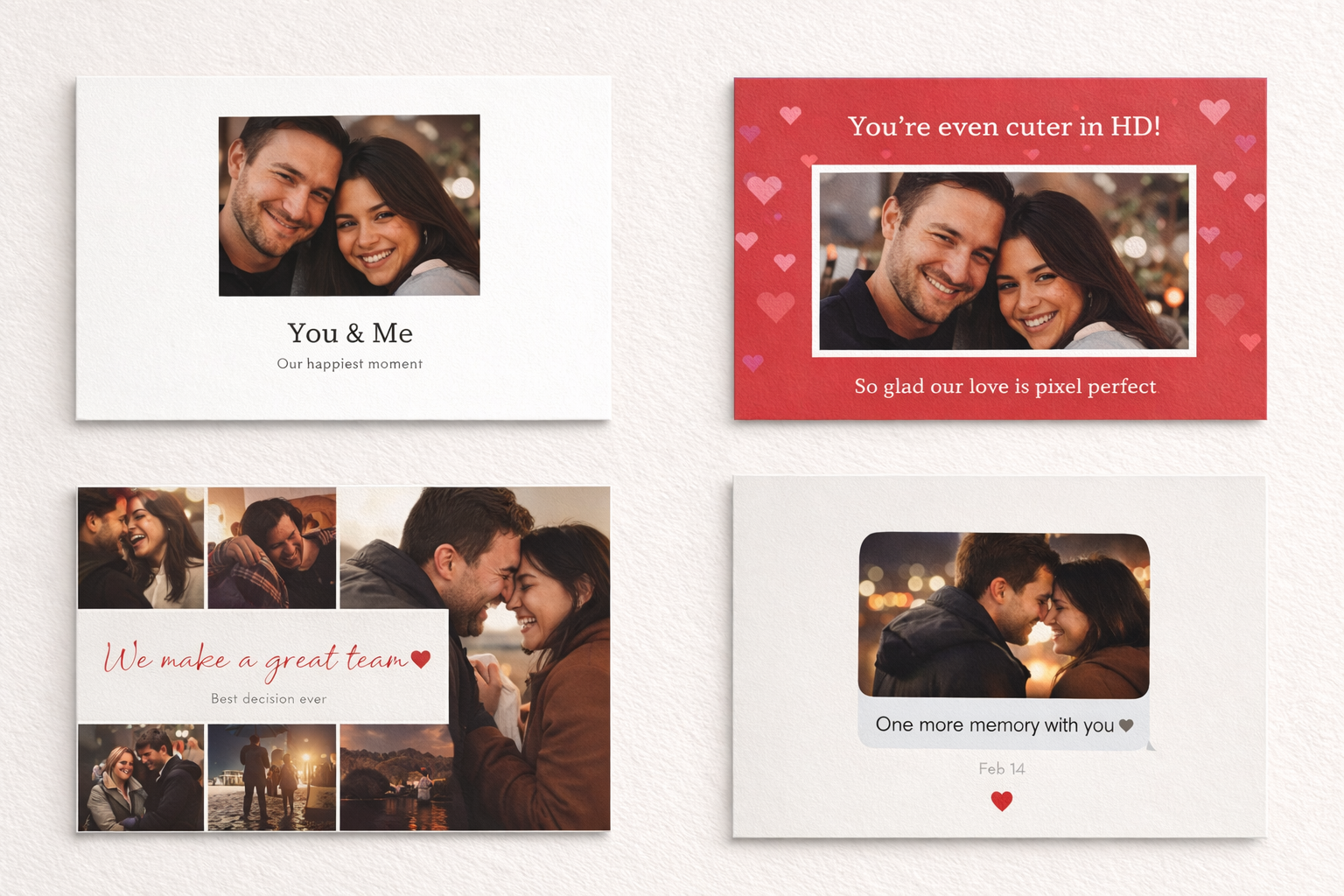
Before creating the card, it helps to decide on a format. Popular options include:
- a classic romantic card
- a minimalist design with a single photo
- a playful or humorous card
- a photo collage of shared moments
- a digital card for messaging apps
- a printed card as part of a physical gift
The right format can make the photo feel even more expressive.
How to Use a Valentine’s Card After It’s Ready
Once your Valentine’s card is finished, there are many ways to use it depending on your idea. A digital card can be sent online — through a messenger, by email, or as a surprise message on the morning of February 14. These gestures often feel very personal because they arrive unexpectedly.
If you are preparing a physical gift, the card can be printed and added to it. Even a small card with a photo and a few words can make a gift feel much warmer. Some people also use the finished card as a phone wallpaper or keep it digitally to revisit the moment later.
Sometimes a simple photo paired with a sincere message leaves a much stronger impression than an elaborate or expensive gift. Attention and meaning are often felt in the smallest details.
Small Details That Make a Valentine’s Card Truly Personal
Design and photos matter, but small details are what give a Valentine’s card its personal meaning. A few sincere words, a reference to a specific moment, or a short phrase understood only by the two of you can say far more than a generic greeting.
If it feels difficult to choose the right words, it helps to stop thinking about a “perfect caption” and focus instead on the mood or the moment captured in the photo.
Romantic classics work well when simplicity and sincerity feel right:
“Every little detail of you matters to me,” “You are my favorite memory,” “Time slows down when I’m with you.”
Moment-focused lines highlight the story behind the image:
“That same day, that same smile,” “A moment worth returning to,” “Where our story began.” These are especially fitting when the photo is tied to a specific date or event.
Personal codes are often the strongest choice. This could be the title of a song that was playing at the time, a word from an inside joke, a meaningful date, or the name of the place where the photo was taken. These details turn a card into something deeply personal.
Imperfect Photos Are Completely Fine
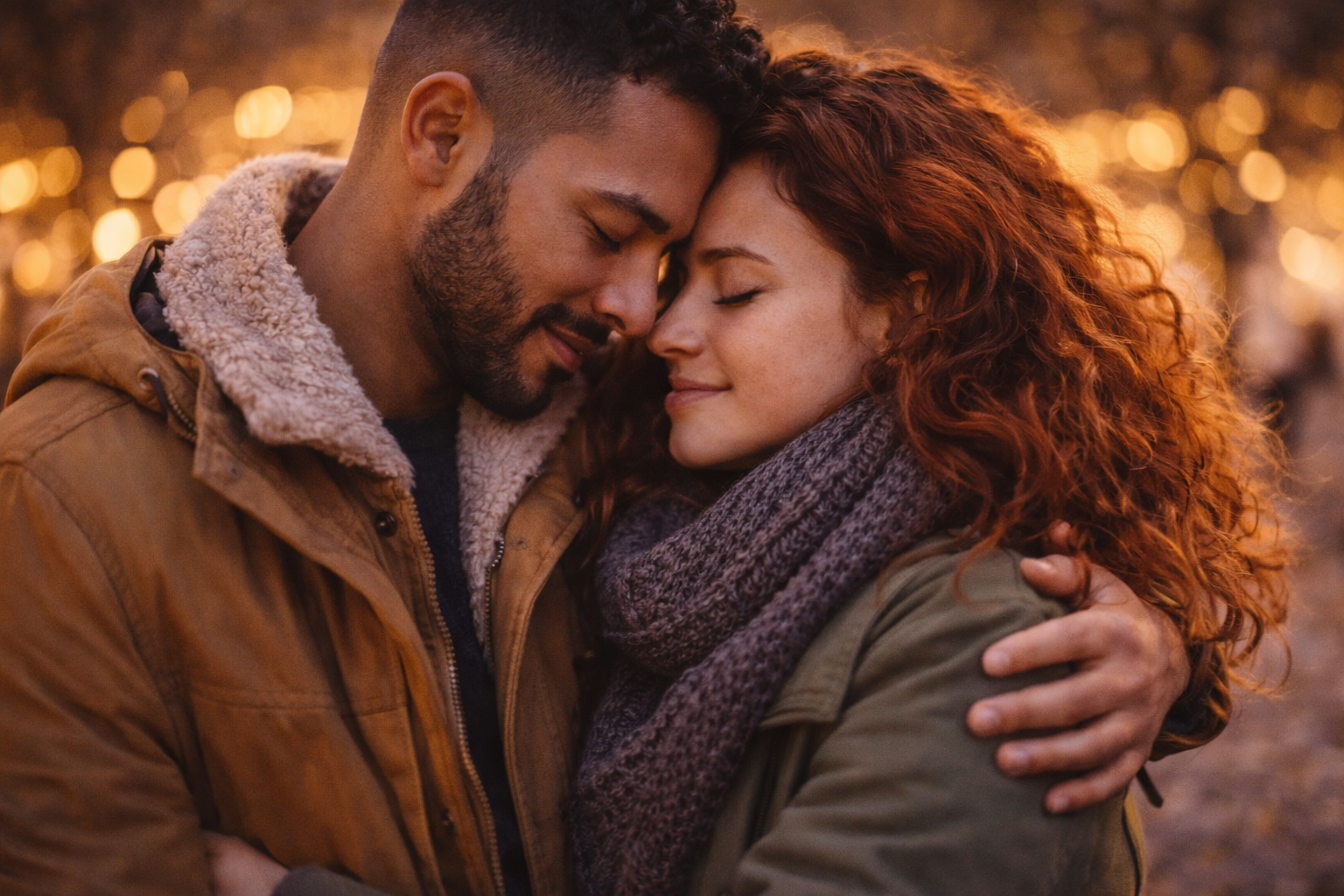
A Valentine’s card does not require flawless quality or adherence to trends. What matters most is preserving a moment that truly means something to you. Photos taken spontaneously, without preparation, often feel the most alive.
Modern tools can help gently improve an image, but the real value comes from the memory and emotion connected to that frame.


