Please upload images to process here:

AI Blur Background

Blur background of a photo online in a single click
Sign Up to get free 6 credits monthly


Processing will take 10-30 sec

Credit Balance:
Add file
Add file or drop files here

Supports JPEG, PNG, WEBP, BMP, HEIC, and PDF up to 30MB and 10000x10000; larger images will be downsized.

Thumbnail Type Input Output Status Name

Processed images


  • image image

    Focus E-Commerce Image

  • image image

    Focus Person In Your Photo

  • image image

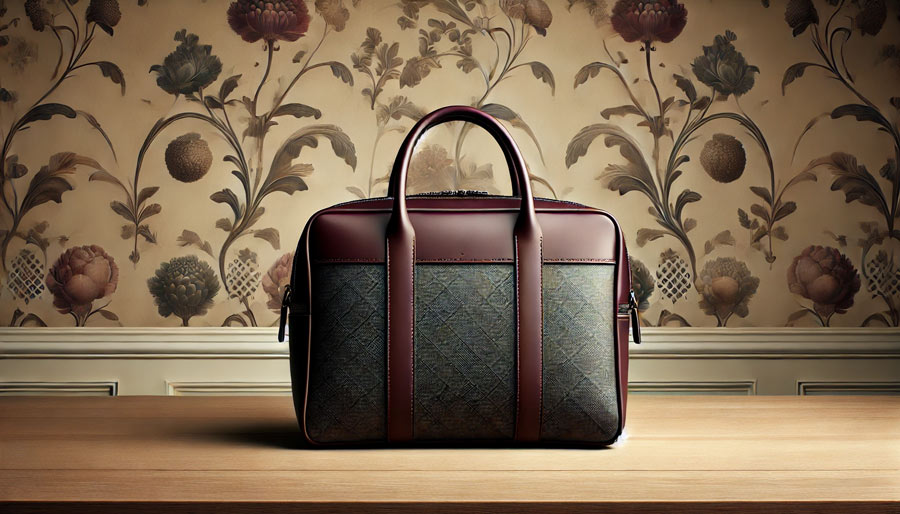
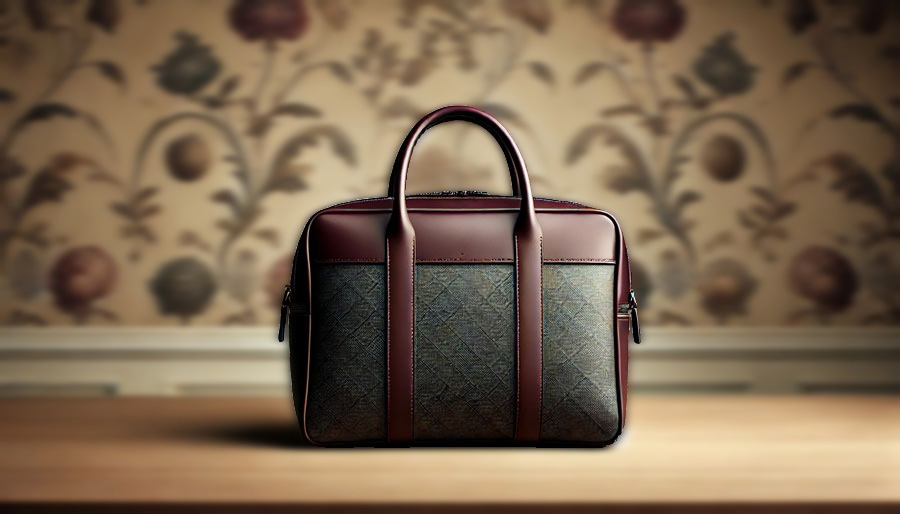
    Highlight The Product In The Foreground

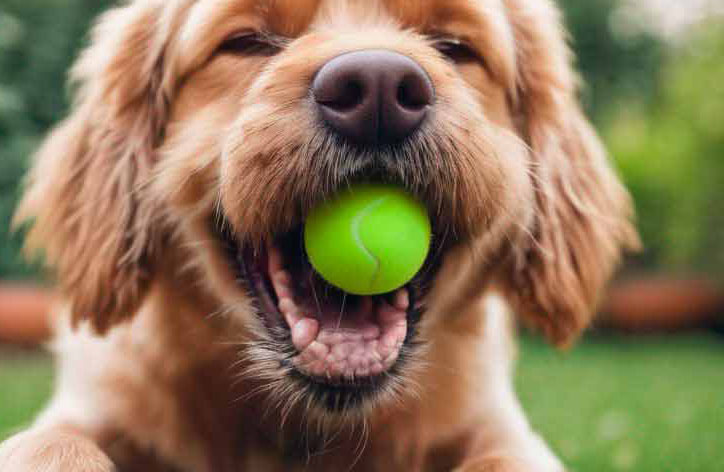
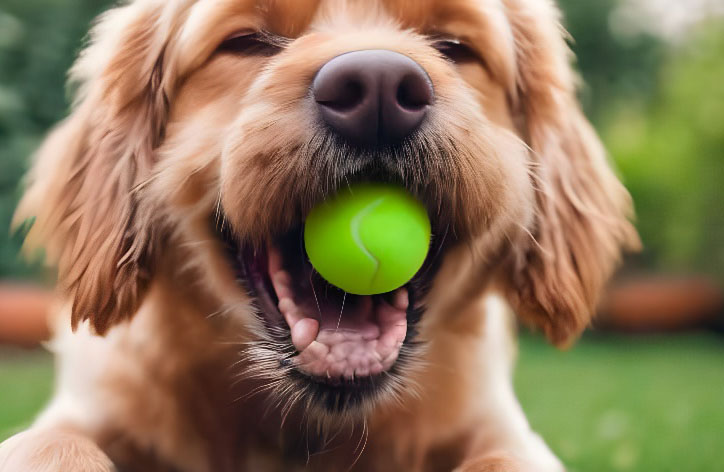
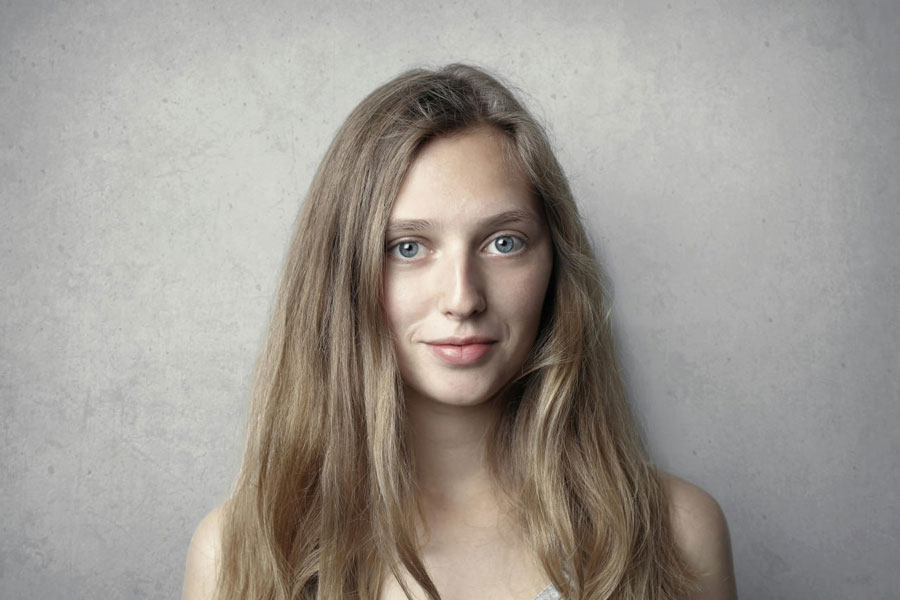
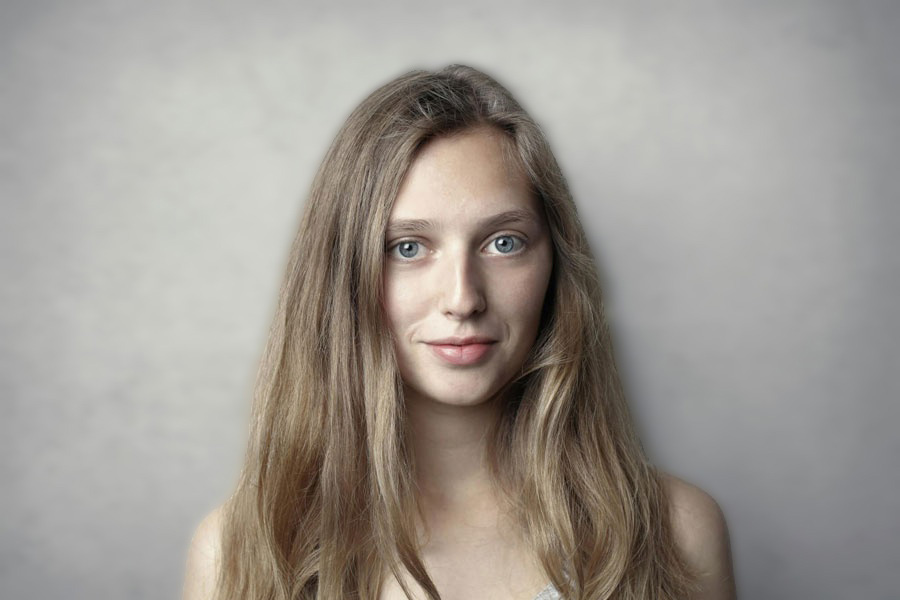
before after blur background photo before after blur background photo

Blur Background of Photos Online For Free

The AI Blur Background tool precisely identifies the subject, separating it from the backdrop with incredible accuracy. This AI tool effortlessly adds depth and a professional touch to any photo or image by creating a beautifully blurred background. AI Blur Background streamlines the editing process, making it perfect for photographers, e-commerce stores, and social media influencers looking to boost their visuals with minimal effort. Get started today and transform your images!

Try it!
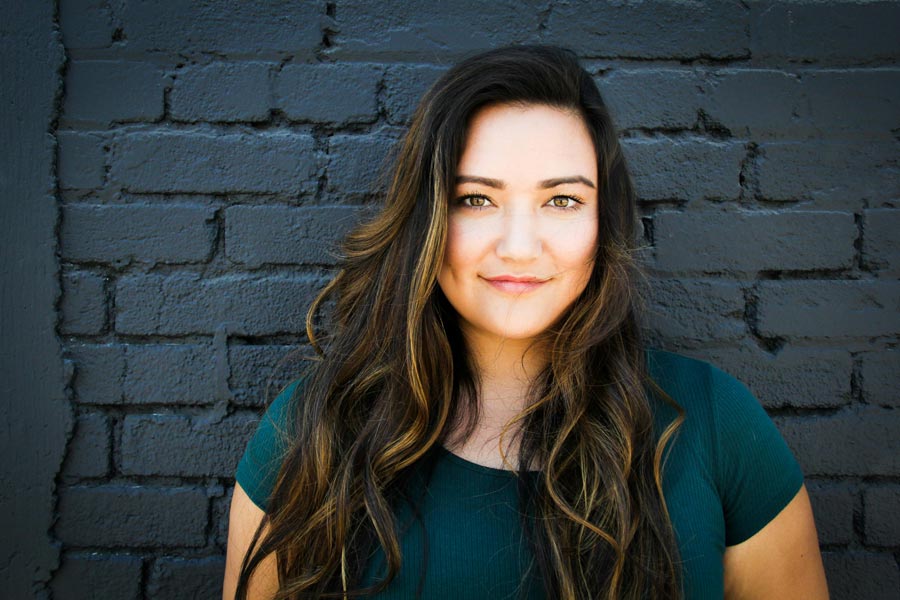
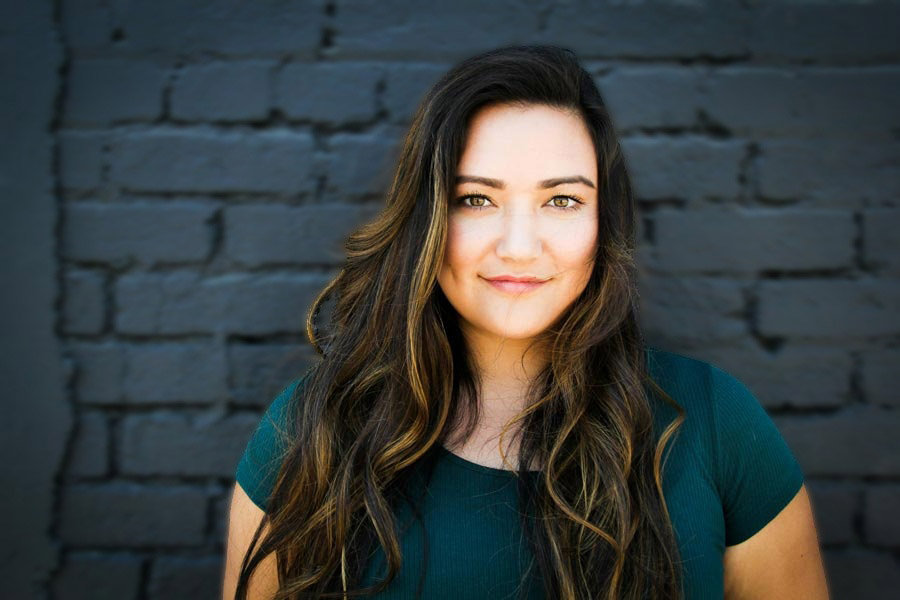
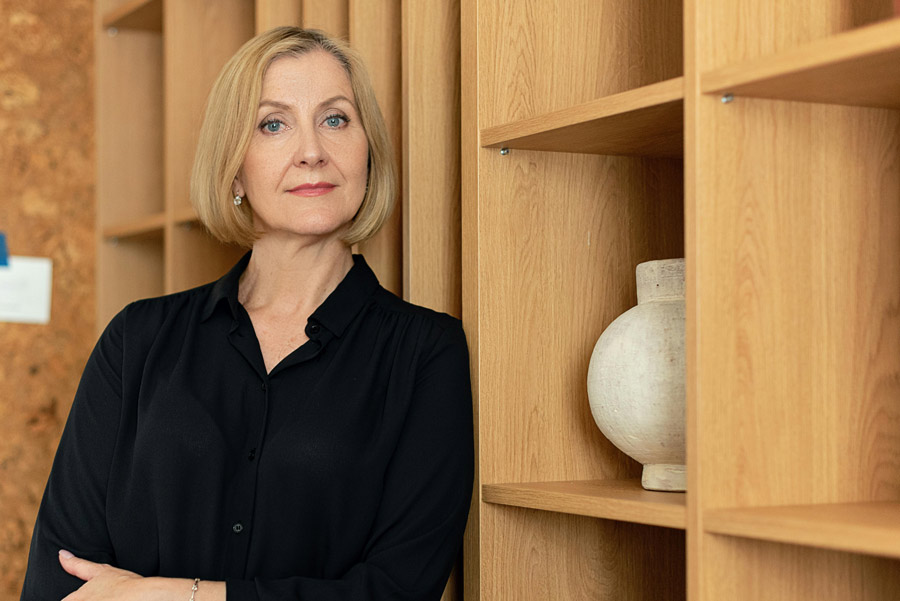
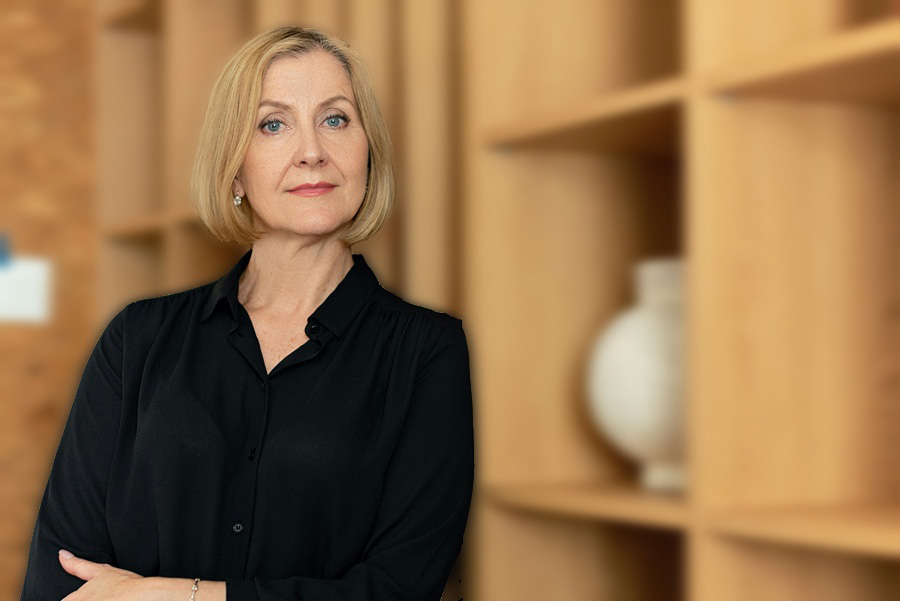
before after blur background headshot photo before after blur background headshot photo

Blurred Headshot Background

For professional headshots, a clean background is crucial. With the AI Blur Background, you can quickly remove distractions by creating a blurred background for headshot while keeping your face sharp and clear. Simply upload your headshot, adjust the blur level to your preference, and let the AI handle the rest in seconds. This technique ensures the focus stays on you, making the image perfect for LinkedIn, resumes, or corporate profiles, adding a polished and professional touch effortlessly.

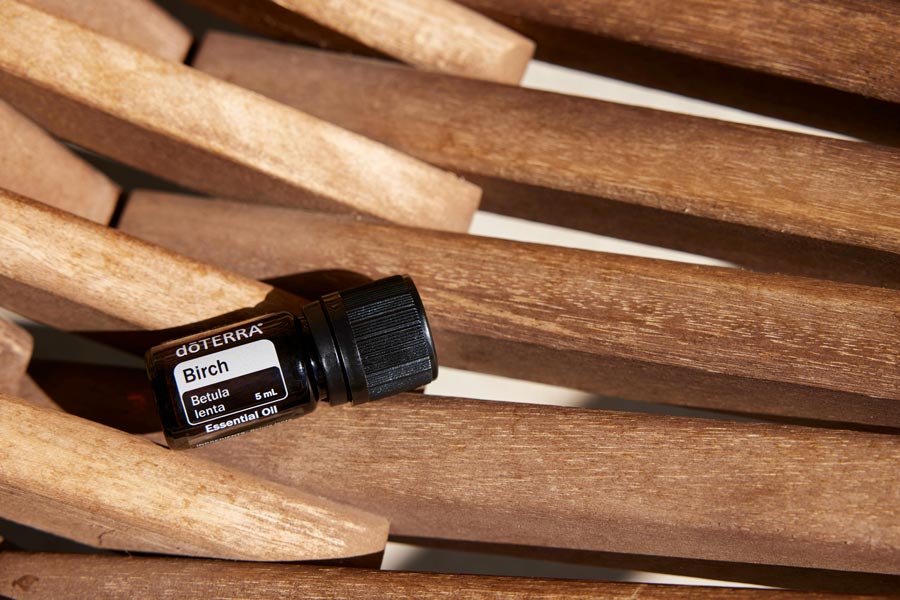
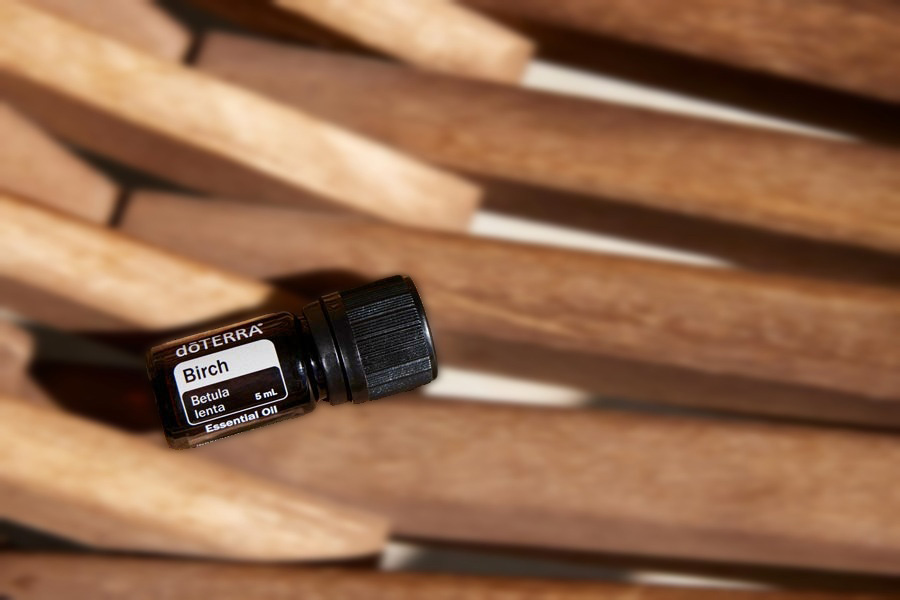
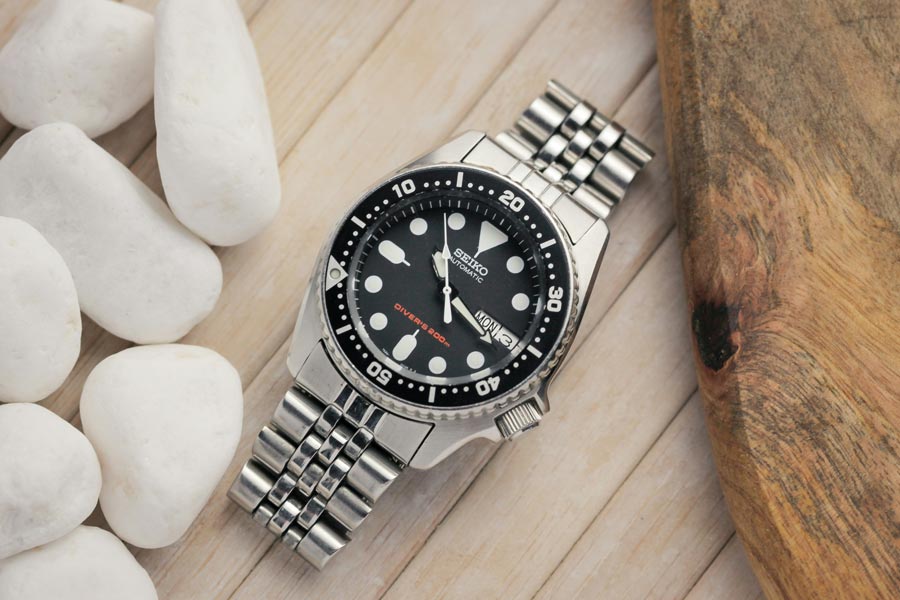
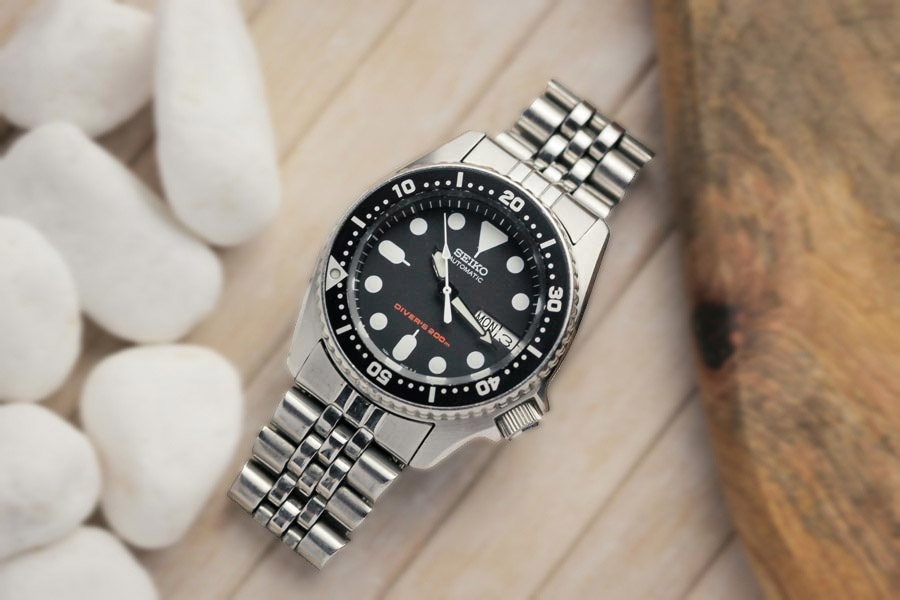
before after blur background product photo before after blur background product photo

Blur Background of a Product Photo

Create clean and distraction-free product images for e-commerce sites with blurred background effects. It helps the product stand out and enhance the online shopping experience. Also, when creating visuals for marketing campaigns or advertisements, using a blurred background helps text overlays stand out more, making your message clear and engaging.

Why to Blur the Background of Your Picture?

Blurring the background of your picture can:

  • Draw attention to the main subject of your photo
  • Create a professional and polished look
  • Reduce distractions and clutter from the background
  • Make your headshots, product photos, and social media images stand out

Our blur background tool helps you achieve this effect in just a few clicks, with no editing experience needed. Ready to blur your background? Start now – it’s free!

Сreate Blur Photo Background in just seconds

Transform your photos with our easy-to-use blur background tool that instantly delivers professional results. What makes it so special?

award 2Created with Sketch Beta.

AI-Powered Precision

Advanced AI technology accurately detects and blur background, ensuring a clean result every time

preferencesCreated with Sketch Beta.

Customizable Blur Intensity

You have complete control over the blur effect – adjust the level to suit your needs and preferences

Multiple File Formats

Edit the most popular formats like JPEG, PNG, WEBP, BMP, HEIC, and PDF without any hassle

like [#ffffff]Created with Sketch.

Without Watermark

Enjoy professional-quality background blur with no watermarks

newCreated with Sketch Beta.

No Sign-Up Required

Start blurring up to 5 images without signing up

cameraCreated with Sketch Beta.

No Experience Needed

Our user-friendly interface makes it accessible to everyone

Other Tools

FAQ:

01

Can I blur the background of my photo for free?

You can blur the background of your photo for free using the AI Blur Background tool. We offer a free plan that allows you to edit up to 6 images per month at no cost. If you need to edit more images, we offer subscription plans starting from $6 to $29 per month.
02

How many blur background effects can I choose?

Our Blur Background tool offers a single primary blur background effect. However, you have full control over the intensity of the blur, allowing you to customize the level of softness according to your preference.
03

Can I edit the blurred place in the pictures?

Once you've applied the background blur effect using our tool, you cannot edit or modify the blurred field of the image. But don't worry our tool is equipped with a smart focus feature that automatically identifies the areas to be blurred.
04

Can I blur the background of a photo on my phone?

You can easily blur the background of a photo on your phone using our online tool. Being web-based, Blur Background can be accessed from anywhere, whether you're on your phone, tablet, or computer. Simply upload your photo, adjust the blur intensity, and achieve a professional background blur without needing any extra apps or software.