Why do you need deblurring images online
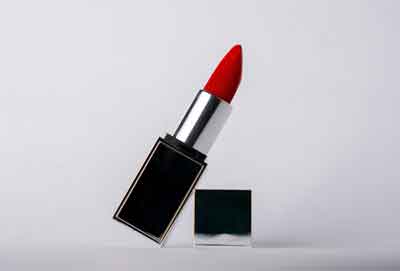
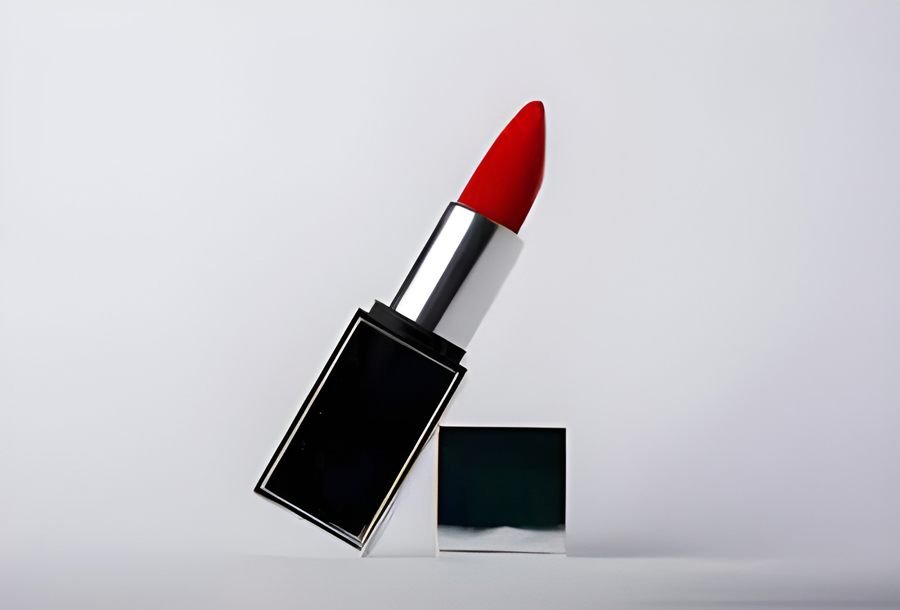
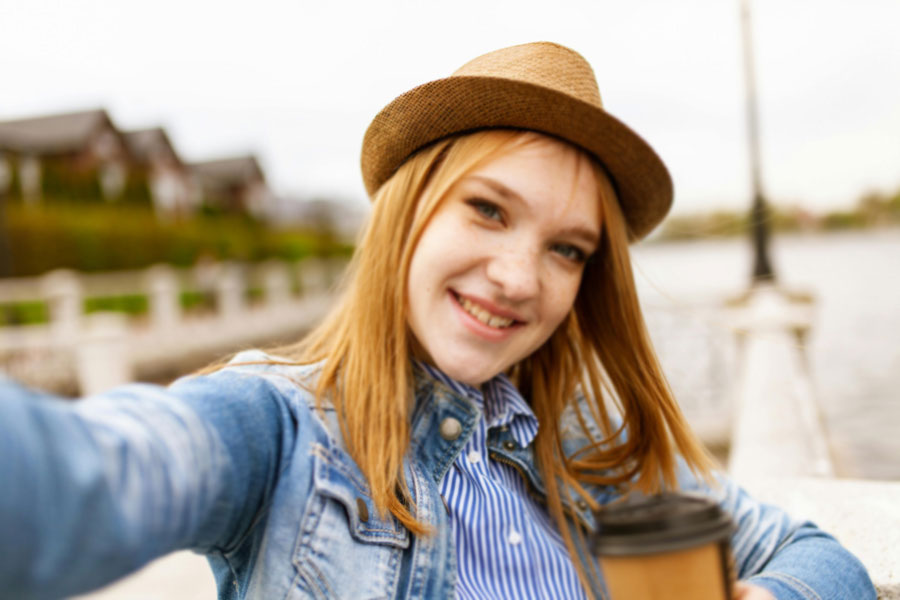
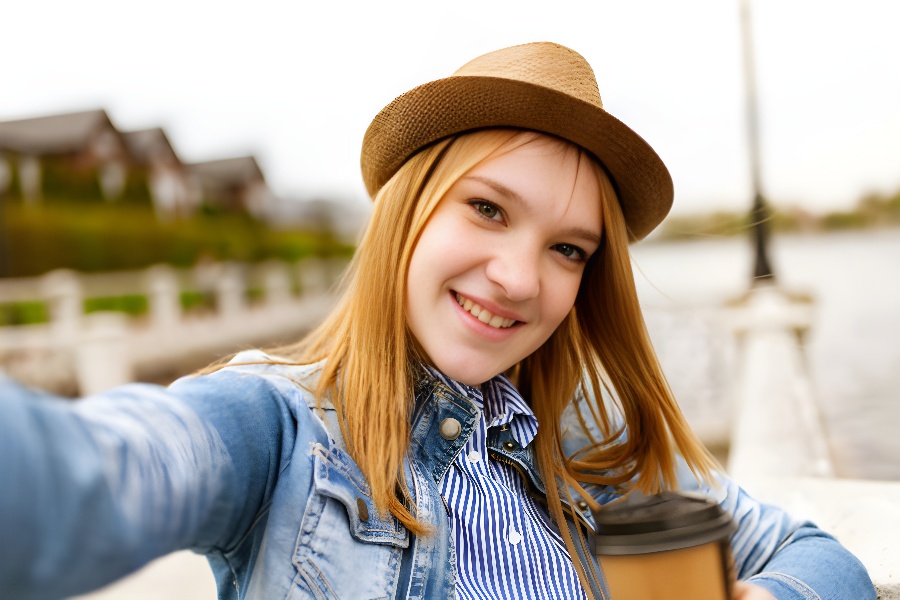
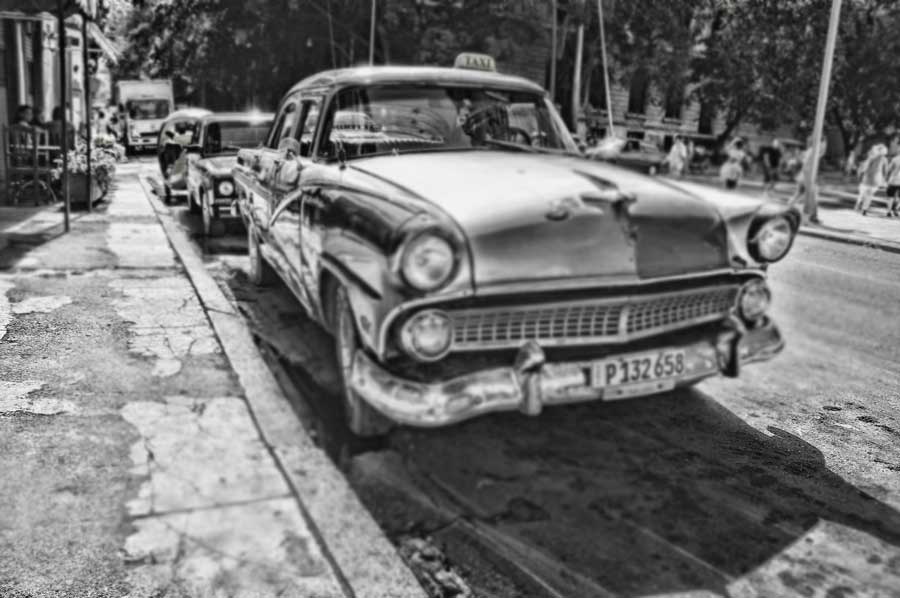
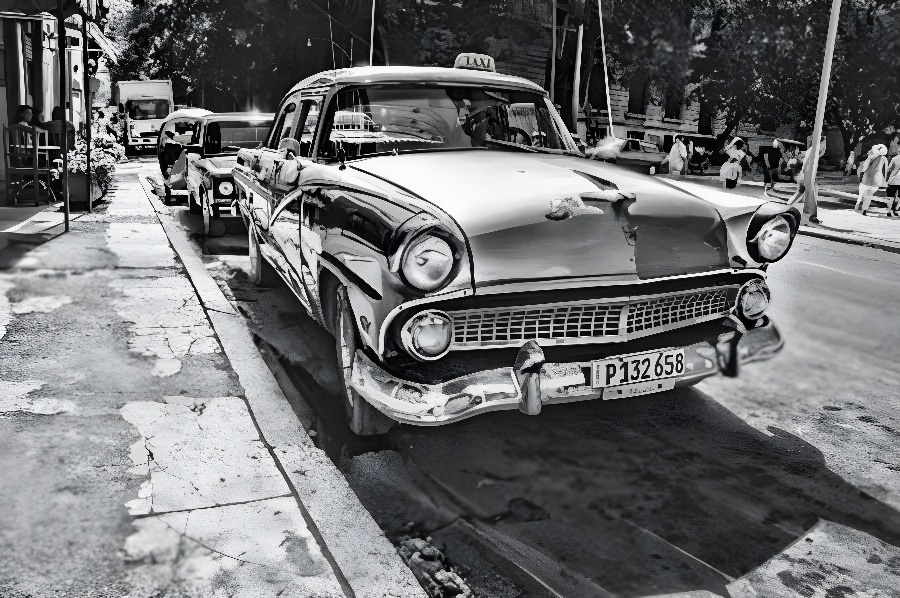
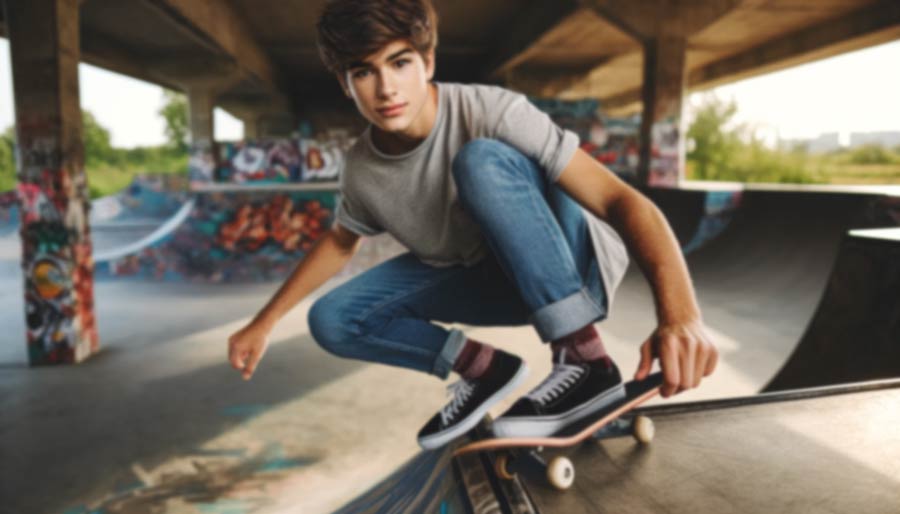
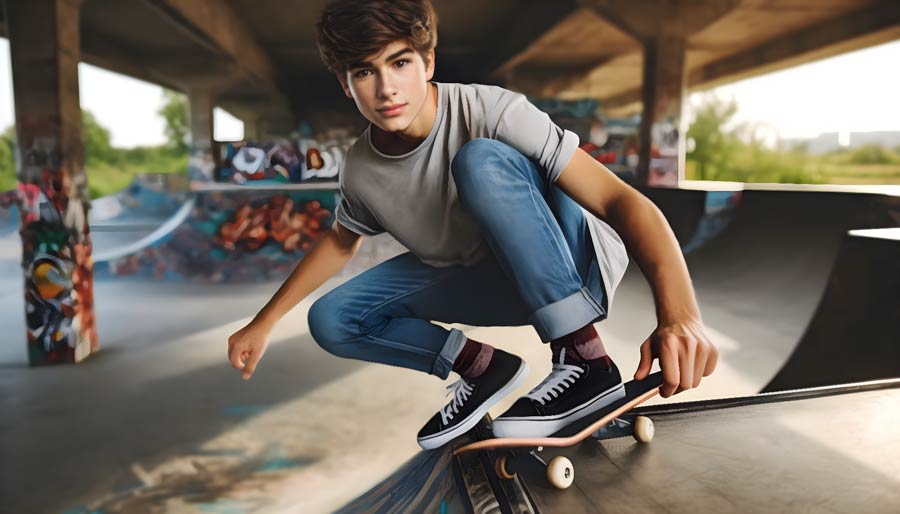
Sharpness is the first thing that makes a reader stay for a few seconds looking at your photo. Often, a high-quality photo is a must-have requirement for your social network profile. You might have a cool pic, but if it was made with the trembling hands of your friend – it’s not cool anymore. It makes a deblurring image online a sensational option of Image Upscaler! This tool helps you to deblur images caused by:
- shooting while moving – motion blur;
- camera defocus;
- long-distance shooting, etc.
Here you can unblur your own picture as well as download it from the internet. Whether you are a professional blogger or just an amazing photo lover, take your shot and go ahead!
WHICH IMAGES CAN BE DEBLURRED
The photo you want to deblur should match the following requirements:
- weight up to 30Mb;
- length and width up to 2000 pixels;
- picture format .jpg, .jpeg, png, webp, heic, bmp, pdf.
Just check your image properties and you may start deblurring the photo online in a few seconds.
How to unblur an image with Image Upscaler
You might be wondering how it works on the backend. The unblurring process relies on Generative Adversarial Networks (GANs), a model trained on pairs of sharp and intentionally blurred photos. By learning the differences between these two versions, the network understands how missing details should look.
When you upload an image, the system analyses the blurred areas, predicts the lost texture and edges, and regenerates them using its learned patterns. This approach restores clarity in a more natural way than basic sharpening filters. You can also use this spectacular option of Image Upscale here. For this:
- Step 1: Click the “Add file” button and select the image you want to unblur from your computer.
- Step 2: Once the image is uploaded, the deblurring process will begin automatically.
- Step 3: Wait for the process to complete; typically, it takes 10-40 seconds.
- Step 4: After processing, click “Edit this image” if you want to adjust the result. In the editor, you can crop, rotate or flip the picture, fine-tune colours, apply filters, add watermarks or annotations, or manually set a new size by entering exact dimensions.
- Step 5: To save the result, click the “Download” button.
- Step 6: If your photo doesn’t look perfect, repeat the steps for a better result.
You can deblurring 5 images for free. With a subscription, you get 6 credits per month.