



How to Improve Image Quality for Free?
Don’t let complicated editing tools hold you back. With our intuitive online tool AI Image Enhancer, you can enhance your photos with just one click. Transform your images in just 5 easy steps:
- Step 1: Click the “Add file” button and upload the image you want to enhance.
- Step 2: Set up processing options: 2X, 4X (If you want 6X, 8X, you need to subscribe)
- Step 3: Wait 20-30 seconds.
- Step 4: After processing, click “Edit this image” if you want to adjust the result. In the editor, you can crop, rotate or flip the picture, fine-tune colours, apply filters, add watermarks or annotations, or manually set a new size by entering exact dimensions.
- Step 5: Check and download your enhanced image.

Enhance image quality up to 16K
If you need a higher-quality photo, our tool allows enhancement up to 16K. The final dimension depends on the original size, with images under 2000 pixels being enhanced according to the following settings:
- Enhance 2x – up to 4K (4000*4000 px)
- Enhance 4x – up to 8K (8000*8000 px)
- Enhance 6x – up to 12K (12000*12000 px)
- Enhance 8x – up to 16K (16000*16000 px)
For images larger than 2000 pixels, they will first be resized to 2000 pixels before enhancement.
How does AI photo enhancer work
AI photo enhancers often rely on Convolutional Neural Networks (CNNs) because this type of model is built to interpret visual information step by step. A CNN doesn’t analyse the entire picture at once. Instead, it moves across small sections of the image, noticing edges, texture changes, colour shifts and other signals that help the model understand what it’s looking at. During training, the network goes through large collections of real photographs, which allows it to form expectations about how natural detail usually appears.
When the enhancer processes a new image, the CNN looks for areas that seem soft, noisy or generally under-detailed. It evaluates these regions in context and predicts how the surrounding pixels should behave if the photo had been captured with better clarity. Rather than simply sharpening or brightening the whole image, the model adjusts specific parts and generates refined pixel information where it’s needed.
The updated pixels are blended back into the picture, improving texture and contrast while keeping the overall character of the original photo. The end result is an image that looks cleaner and more defined, but still natural.
Perfect AI Enhancer Tool for All Your Needs
AI-powered photo enhancement tools are invaluable across various fields. For instance:
Website Design: Web developers can use AI to improve image quality and enhance images for high-resolution displays, ensuring sharp visuals without increasing file sizes and load times.
Presentation Creation: Enhance images for presentations, making sure your visuals are clear and professional, enhancing the overall impact.
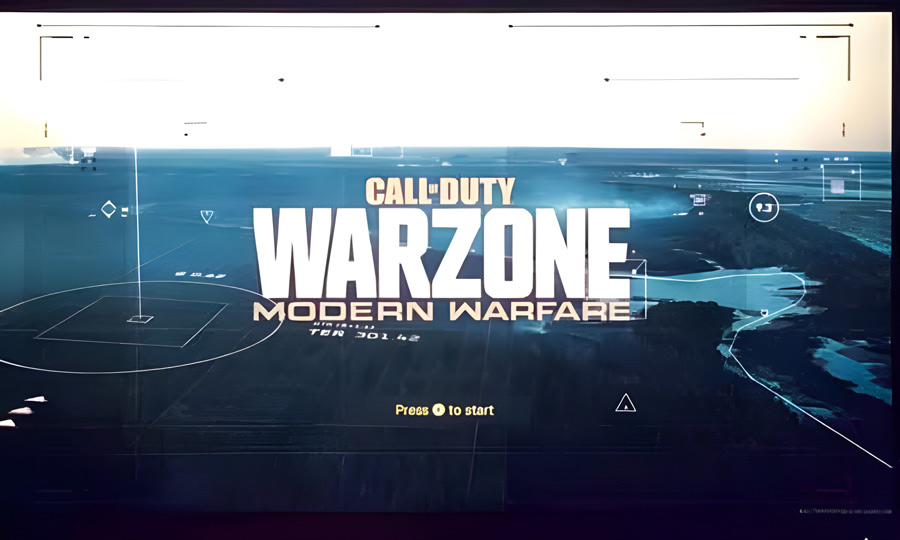
Updating or Restoring Game Illustrations: Improve and restore game graphics, giving old illustrations a new lease on life with sharper and more detailed visuals.
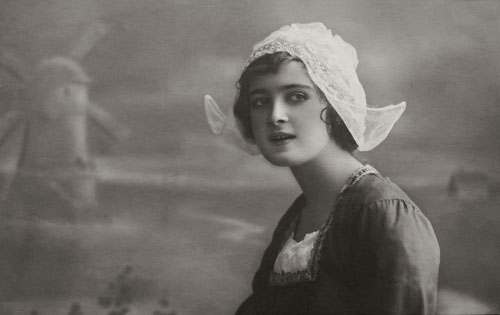
Enhance Real-World Photos: Improve the clarity and detail of real-world photos, making them suitable for a range of uses from personal projects to professional displays.
Security: In forensics, AI Enhancer can improve photo quality from security cameras, license plates, or other details that might be critical for investigations.