
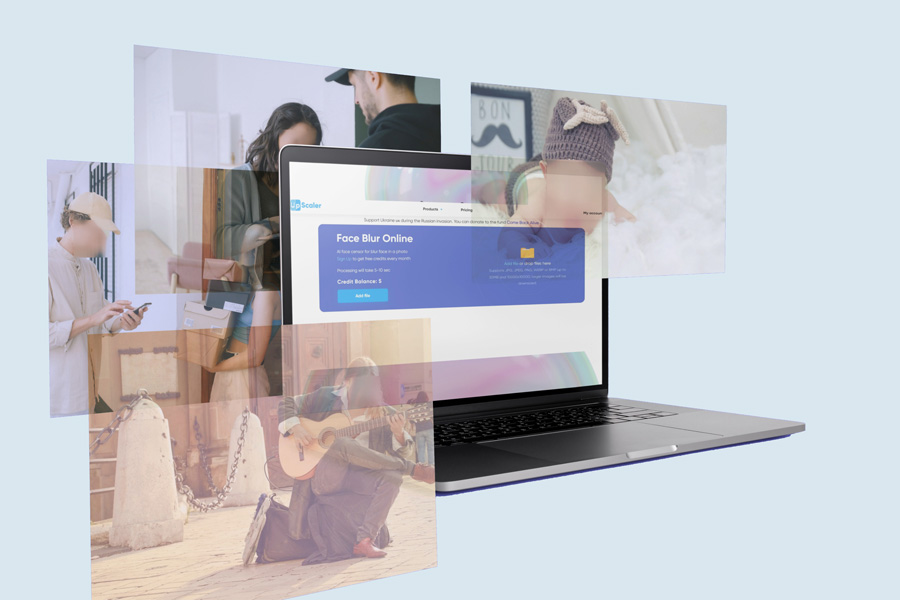


Face Blur Online

AI face censor for blur face in a photo
Sign Up to get free credits every month

Processing will take 5-10 sec

Credit Balance:
Add file
Add file or drop files here

Supports JPG, JPEG, PNG, WEBP or BMP up to 30MB and 10000x10000; larger images will be downsized.

File(s) loaded. Now select optimisation type:

Processed images

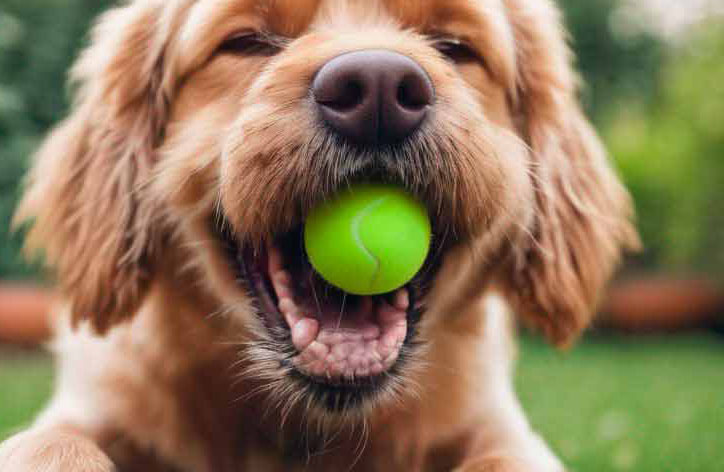
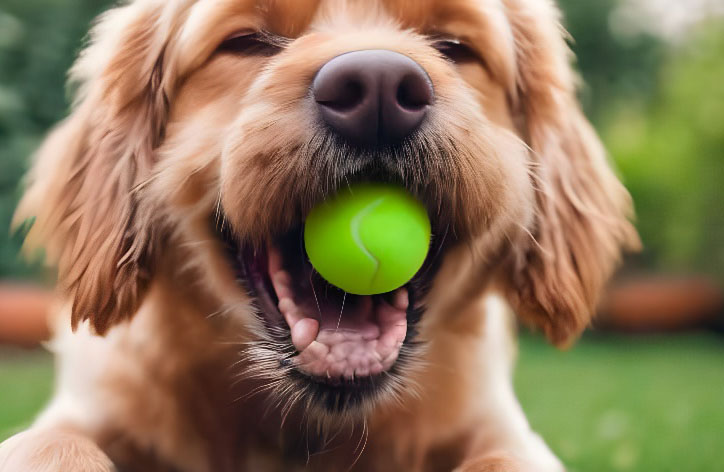
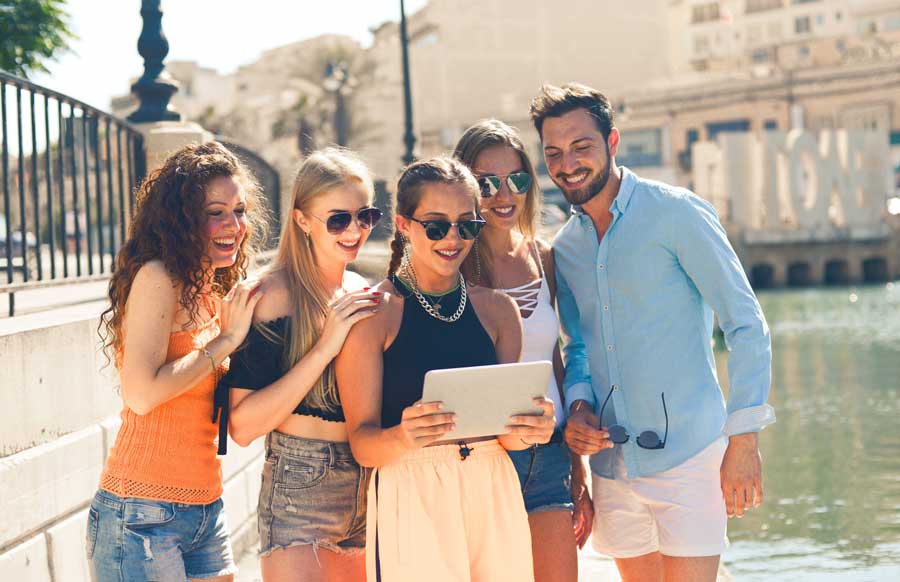
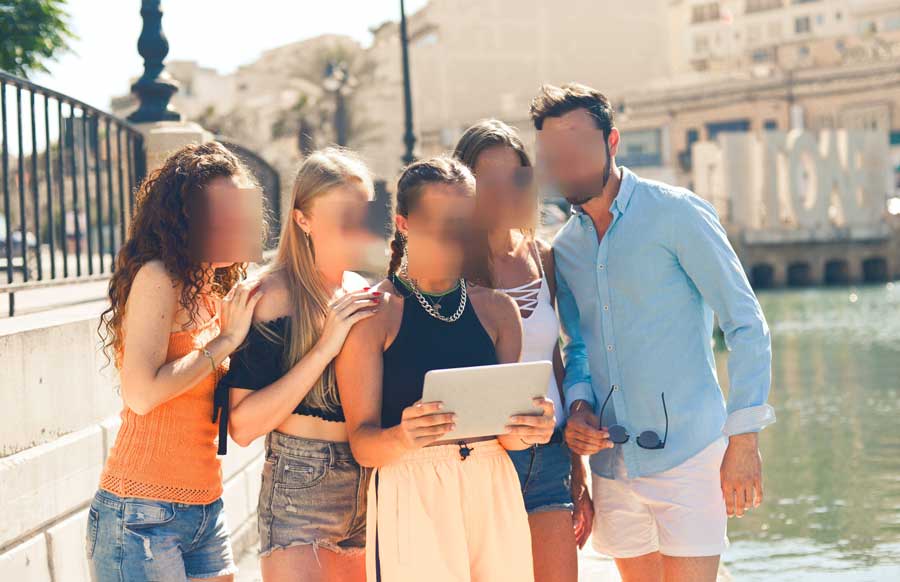
  • image before using the Face image after using the Face Blur

    Hide Your Face

  • before face blur after face blur

    Batch Blur Photo


  • Warning: Trying to access array offset on value of type bool in /home/imageups/imageupscaler.com/www/wp-content/themes/image-upscaler/parts/part-other-products.php on line 11
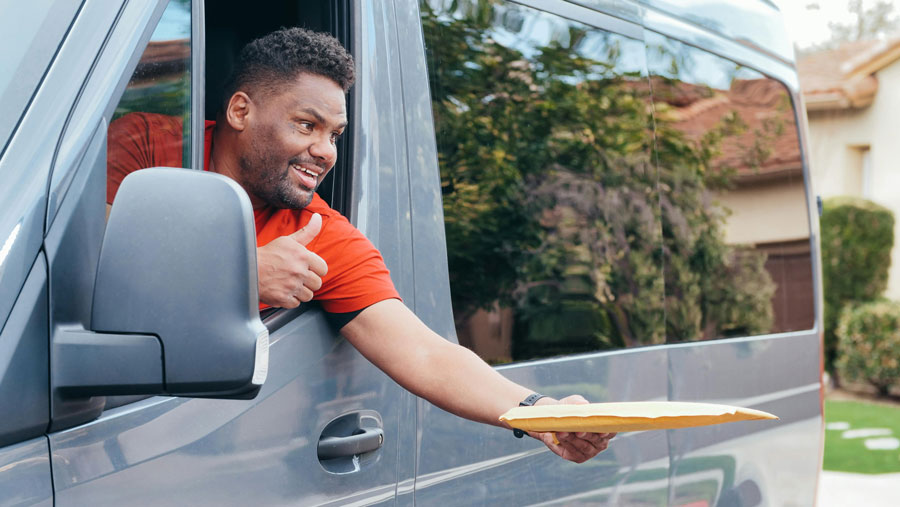
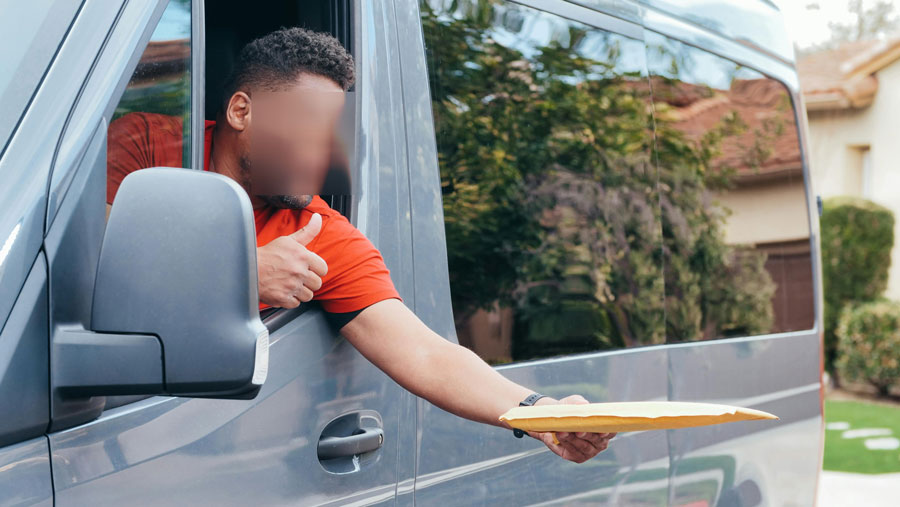
Face Blur before Face Blur after

Blur Faces with AI

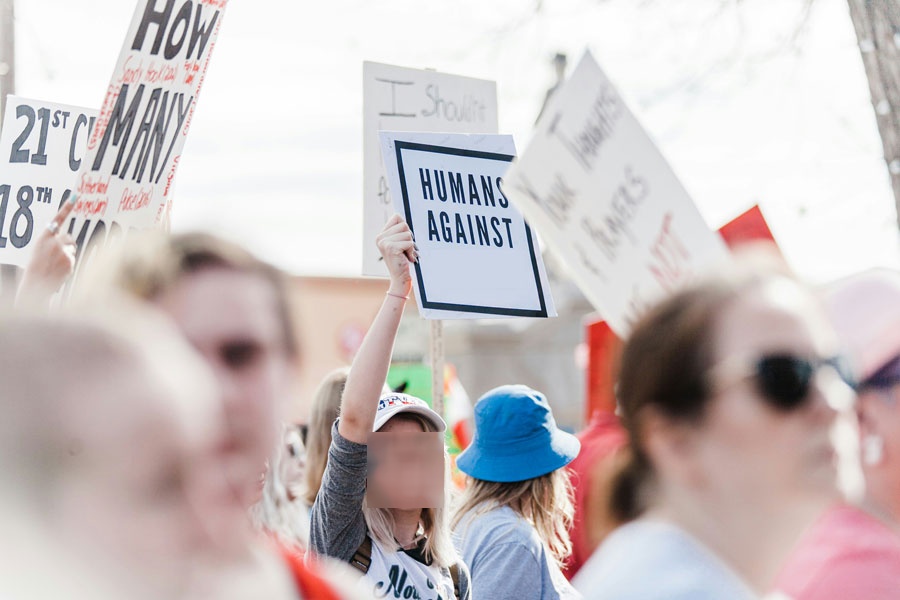
Would you like to hide face in your photos? Our AI Face Blur Online App makes anonymizing faces fast and easy. The Online AI face blur app can quickly recognize and censor faces.

Start Face Blur
face blur before face blur after

Protect Your Identity with Face Blur

The AI Face Blur tool is an essential resource for safeguarding your identity in digital images. Whether you're sharing photos on social media or participating in public forums, this tool uses advanced AI algorithms to automatically detect and blur faces, ensuring your privacy is maintained. The Face Blur tool allows you to stay anonymous without compromising the quality of your photos.

Try it!
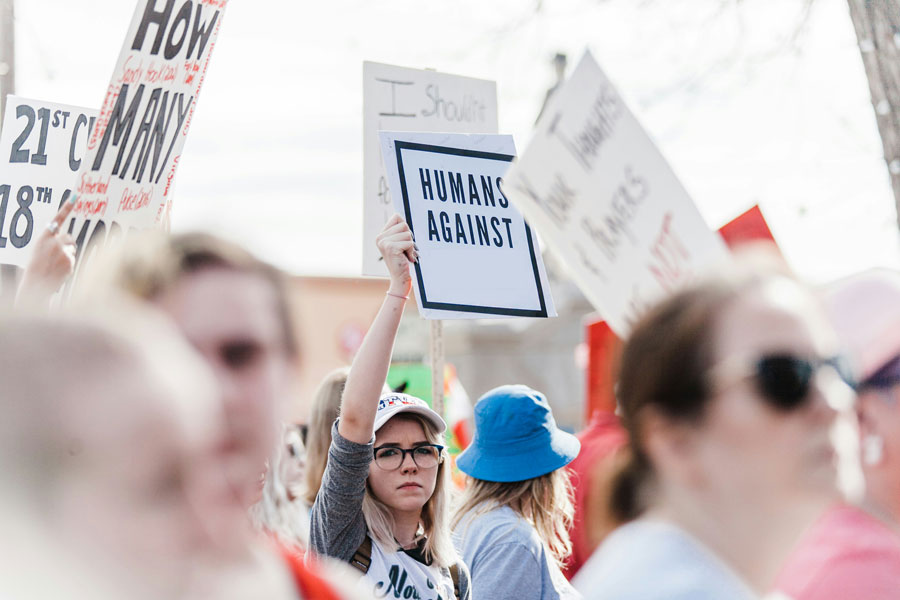
face blur tool image before face blur tool image after

Respect Others' Privacy with Face Blur

The Face Blur tool makes it easy to respect the privacy of others when sharing images publicly. If you're a photographer capturing street scenes or simply sharing group photos, this tool uses cutting-edge AI technology to detect and blur faces, ensuring that the privacy of individuals in your photos is upheld. By using the AI Face Blur tool, you can share your images confidently, knowing that you are respecting the privacy of others without sacrificing the visual appeal of your photos.

Try it!

Why Need to Use AI Face Blur?

The AI-based Blur Face App is a modern technology used frequently to blur face in the photo manually or automatically. As a matter of privacy and security, this is a necessity of the hour to hide face in photos.

  • Protect Your Identity: Digitally savvy content creators share their content on social media platforms. If you don’t want to reveal your identity, our AI blur face online app can hide and blur your face.
  • Protect Others’ Identities: We are ethically bound to protect the identities of people accidentally captured in our photographs.
  • However, it is best to blur face in photo to protect their privacy and identity.
  • Consequently, anyone’s identity can’t be revealed publicly if you upload a blur face photo on social media platforms.

Generally, in order to learn the technical aspects of blurring photographs, you search on Google “how to blur the face in Photoshop.” and then read the long and tedious manual.

Isn’t it a hectic task? No worries, we have come up with a fantastic solution above!

Undoubtedly, we understand that someone who wants to hide face in the photo wants to do it fast. Surprisingly, it works as quickly as a blink of an eye.

What do you have to do? Just a few clicks and it’s done. That’s why we created the AI blur face app for your ease.

How to Blur a Face in a Picture on Smartphone and Desktop?

To blur the face in the photo on your smartphone or desktop, you should follow these easy and quick steps.

Blur Face Photo On Android Smartphone

  • Go to Playstore and search for ImageUpScaler App
  • Scroll down to look for Face Blur App
  • Click on the Start Blur Face button
  • Open the Face Blur App
  • This window pops up
  • Click on the Add file or drop a file icon
  • Add in your selected photo for blurring
  • After processing for a few seconds, both images will appear as “Initial Image” and “After processing image”.
  • Click on Download

Or just use our online facial blurring tool on the site from the mobile browser. In addition, we do not have a face blur app in the App Store, so if you need to blur the face on the picture on the iPhone just make it right now.

Blur Face Photo On Desktop

  • Go to Blur Face page
  • Click on the Add file or drop file icon.
  • Add in your selected photo for blurring from your desktop
  • After processing for a few seconds, both images will appear as “Initial Image” and “After processing image”.
  • Click on Download

Other Tools

FAQ:

01

Can I blur someone’s face in a picture for free?

You can use a tool to blur faces in your photos for free, however, the limit is up to 3 images per month without registration. If you need more you need to sign up to get a free account with 3 free credits or, choose the pricing plans for subscription options, which provide access to all AI online tools on our website.
02

Can I use the Face Blur App on an iPhone?

Sure, our Face Blur tool works online, so you can easily blur faces using a browser like Safari or Chrome.
03

Can I choose which face will be blurred?

Our AI-based face blur tool blurs all faces detected in a photo automatically with AI.
04

Is it possible to blur faces in a video using this tool?

The Face Blur tool is designed specifically for blurring faces in photos.