Please upload images to process here:

JPEG Artifact Removal

remove jpeg artifacts with AI
Sign Up to get free credits every month

Processing will take 1-20 sec

Credit Balance:
Add file
Add file or drop files here

Supports JPG, JPEG, PNG, WEBP or BMP up to 30MB and 10000x10000; larger images will be downsized.

Thumbnail Type Input Output Status Name

Processed images


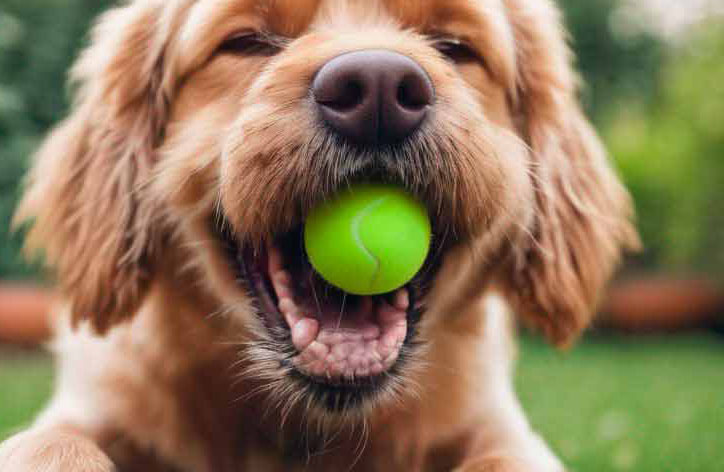
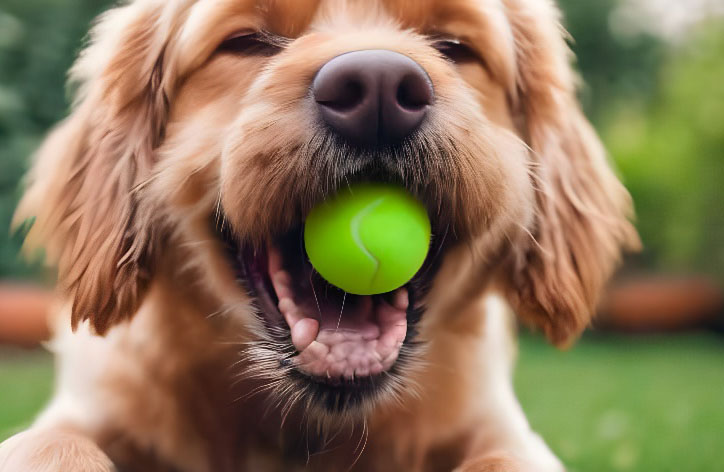
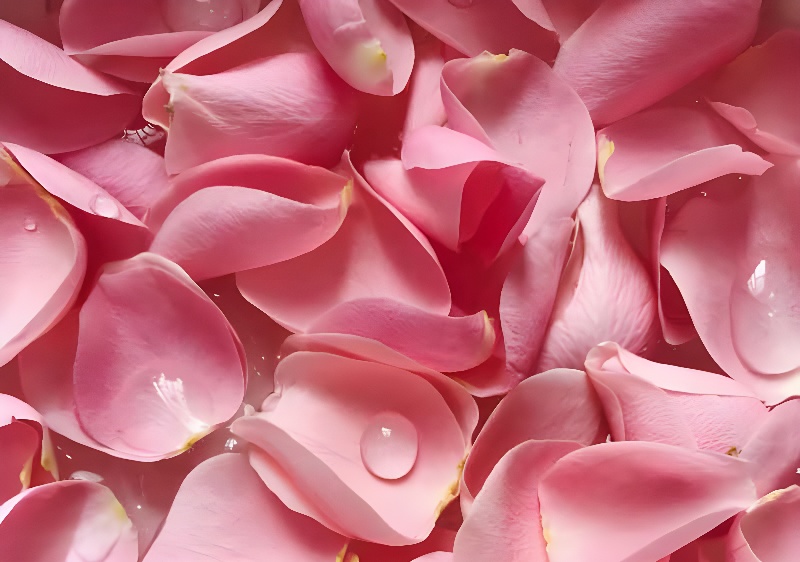
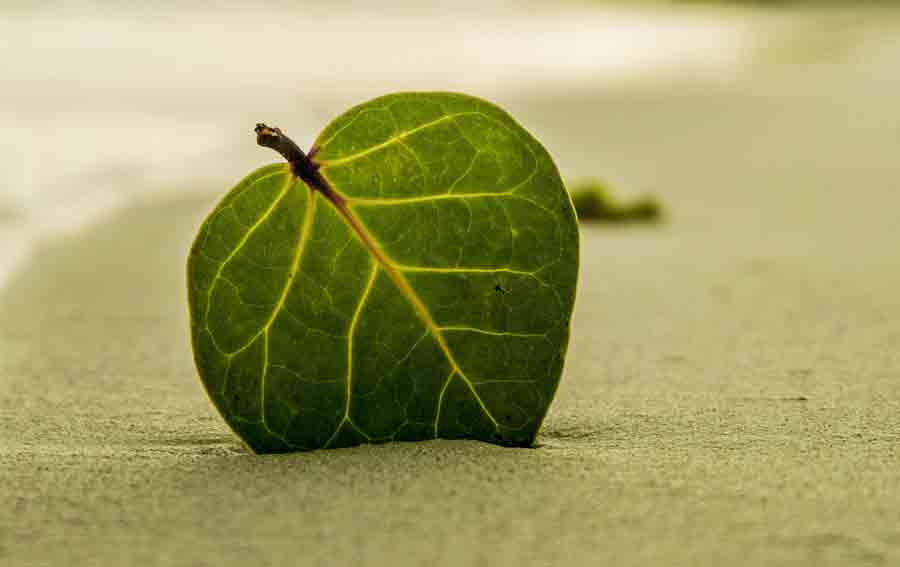
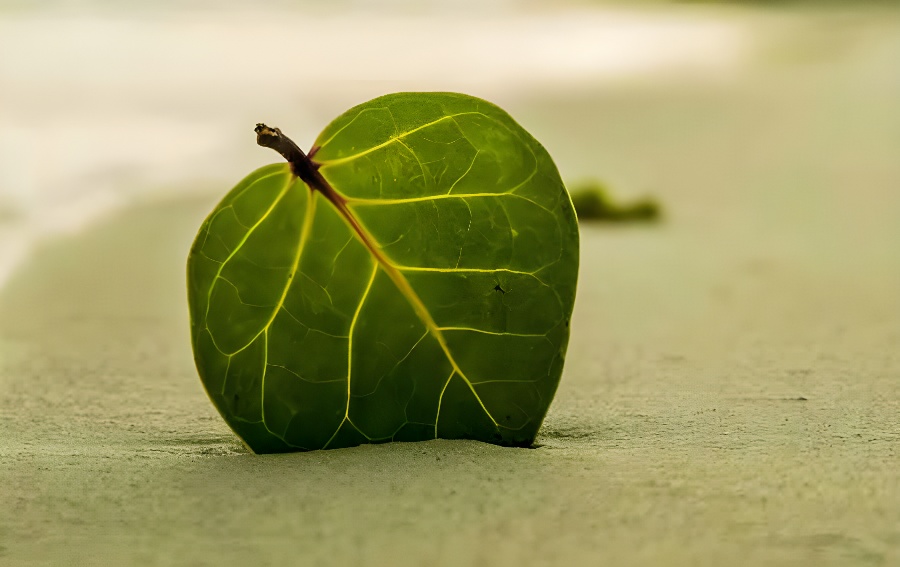
image before using jpeg artifacts removing image after using jpeg artifacts removing

Remove JPEG Artifacts with AI

JPEG compression often introduces visible artifacts such as blocky textures, color banding, and blurred edges. These distortions appear when images are saved with high compression levels or repeatedly edited and exported. Our AI JPEG artifact removal tool analyzes the structure of the image to identify compression noise and reconstruct missing visual details. Instead of simply smoothing the picture, the model restores clearer edges, more natural textures, and improved overall image clarity in seconds.

Image before using jpeg artifacts removing Image after using jpeg artifacts removing

Remove JPEG Artifacts for Compressed Images

Images saved with strong JPEG compression often lose fine details and develop visible noise patterns. This usually happens when photos are exported multiple times, optimized for web performance, or downloaded from messaging apps and social media platforms that heavily compress images. In such cases, fine details gradually disappear while compression noise becomes more noticeable, especially in areas with smooth gradients, shadows, or complex textures like hair, foliage, or fabric. Removing JPEG artifacts helps restore a cleaner and more natural look to compressed images, making them more suitable for digital use, presentations, or online publishing.

Start removing
Before Pixelization JPEG Artifacts Removing After Pixelization JPEG Artifacts Removing

Who Needs JPEG Artifact Removal?

JPEG Artifact Removal tool is useful for photographers, designers, and content creators who work with compressed JPEG images. It helps clean up pixelated areas in photos downloaded from social media, saved from websites, or exported multiple times during editing. Removing JPEG artifacts makes these images clearer and more suitable for digital content, presentations, or web use.

Start removing

What are the different types of JPEG artifacts?

JPEG artifacts include:

  • Blockiness/Pixelation: Square blocks in solid color areas.
  • Ringing Artifacts: Halos around high-contrast edges.
  • Mosquito Noise: Noise patterns around high-contrast edges.
  • Blurring: Loss of sharpness and detail in complex areas.
  • Color Banding: Visible bands in color gradients.
  • Chrominance Subsampling Artifacts: Reduced color precision.

These artifacts result from the balance between reducing file size and maintaining image quality in JPEG compression.

How to remove JPEG artifacts?

With the help of artificial intelligence, you can automatically clean the image from artifacts in seconds.:

  • Upload your JPEG image that contains artifacts.
  • Wait for 1-20 seconds while our AI algorithms remove artifacts of the photo or image.
  • After completing the process, look at the result and download the improved image by clicking the “Download” button.
FAQ:

01

What are the jpeg artifacts?

JPEG artifacts or compression artifacts are small squares that appear around objects - blockiness after image compression. When an image is saved in .jpg format, resulting in a compression and smaller file size. However, this can lead to a loss in image quality and sharpness decrease.
02

How to understand I have JPEG artifacts on my image?

JPG artifacts include areas of similar color, such as featureless skies or walls, appearing blocky with tile-like squares that are 8x8 pixels in size, and filled with one color that compresses well. These areas may also contain horizontal or vertical patterns at the edges.
03

Is JPEG Artifacts Removal free?

You can try it out for free, for more extensive usage, we provide free and paid subscription plans. The free plan lets you enhance up to 6 images monthly.
04

What is the difference between JPEG artifacts and image noise?

JPEG artifacts result from the lossy compression in JPEG format, leading to blocky, blurry areas, especially around edges. Image noise, comes from camera sensors or lighting conditions, appearing as random grainy speckles across the image. JPEG artifacts are specific to JPEG compression, while image noise is a broader issue related to photography conditions and equipment.
05

What photo can be processed?

You can quickly remove JPEG artifacts from the photos that are:
  • saved in .jpg, .jpeg, .png, .webp, or .bmp.;
  • max size up to 30 Mb;
  • image width and length up to 10000 pixels;
The most perceptible result is obtained with images that have been significantly compressed before.
06

What does removing JPEG artifacts do?

Removing JPEG artifacts improves the quality of images compressed in the JPEG format. This process helps to smooth out blocky regions, reduces blurring and distortion, enhances details, and overall improves the image quality. This technique is often used before further editing or high-quality printing to eliminate the imperfections caused by image compression.
07

Does removing JPEG artifacts increase file size?

Removing JPEG artifacts usually does not reduce file size and can sometimes increase it. This process improves image quality, potentially adding more detail to the file, which may require more data, leading to a larger file size.
08

How does jpeg artifacts removal work?

Image Upscaler uses a deep learning algorithm called Generative Adversarial Networks (GAN). In the training stage, the technology had been comparing billions of original and already compressed images. Now GAN understands the accordance between textures of the original and small-sized photo with jpeg artifacts. When you upload a picture, an algorithm recreates its sharpness without adding extra pixels.
09

What is the difference between PNG and JPEG artifacts?

JPEG artifacts are caused by image compression while PNG artifacts are less about image quality loss and mainly about color depth and file size issues like banding in gradients (in PNG-8) and larger file sizes for color-rich images.