

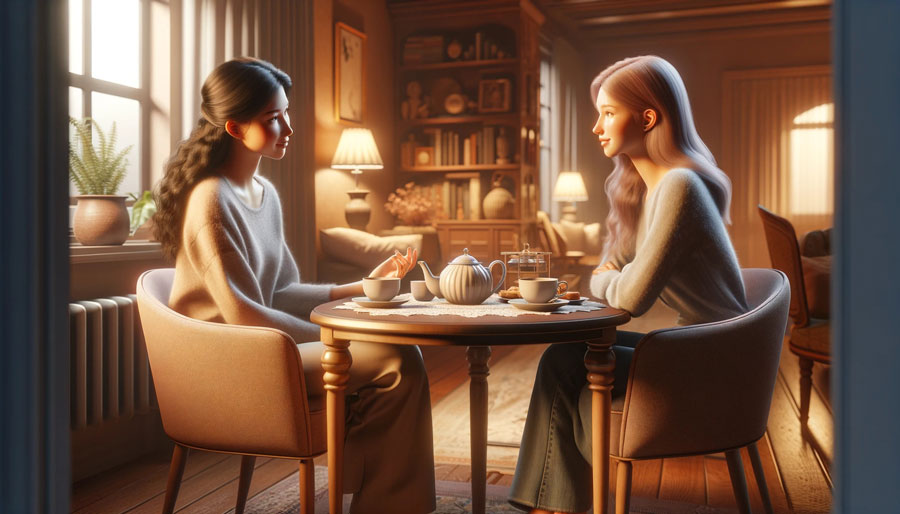
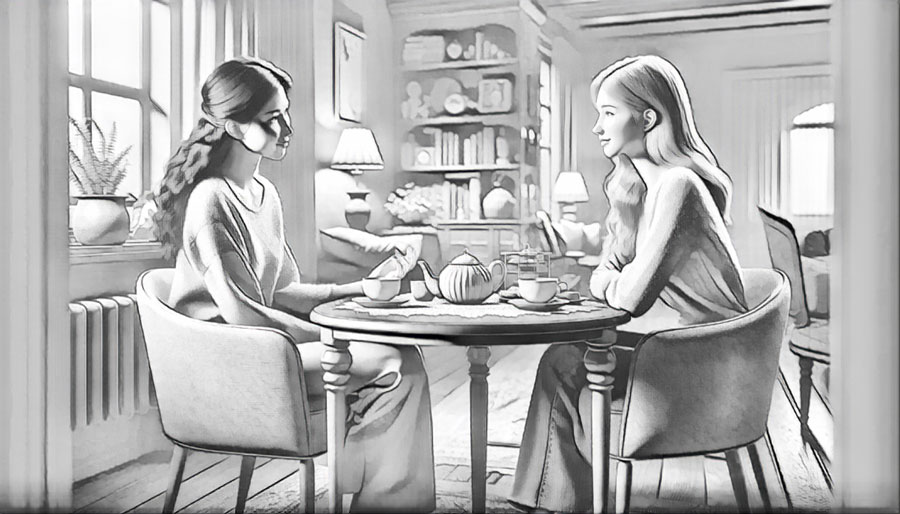


How to make a photo look like a painting?
Unleash your creativity and transform your photos into watercolor masterpieces:
- Step 1: Upload an image that you wish to convert into painting.
- Step 2: Patiently wait about 5 seconds.
- Step 3: After processing, click “Edit this image” if you want to adjust the result. In the editor, you can crop, rotate or flip the picture, fine-tune colours, apply filters, add watermarks or annotations, or manually set a new size by entering exact dimensions.
- Step 4: Once the conversion is complete, you will have the option to preview the painting and download it to your device.
No manual photo editing is required, making the photo-to-paint process simple and enjoyable. Discover a fresh and innovative approach to artistic watercolor paint creation with AI today!