Please upload images to process here:

Photo to Cartoon

Turn photo into cartoon
Sign Up to get free credits every month

Processing will take up to 5 sec

Credit Balance:
Add file
Add file or drop files here

Supports JPG, JPEG, PNG, WEBP or BMP up to 30MB and 10000x10000; larger images will be downsized.

Thumbnail Type Input Output Status Name

Processed images


Before turning photo into painting cartonized photo

Turn a Photo into a Cartoon

Our AI Photo to Cartoon tool converts real photos into stylized cartoon images in seconds. Using advanced neural networks, you can turn portraits, selfies, or everyday photos into cartoon avatars for social media, profile pictures, or creative projects. Upload an image and instantly generate a cartoon version directly in your browser – no installation required and your data remains secure.

Cartoonize photo
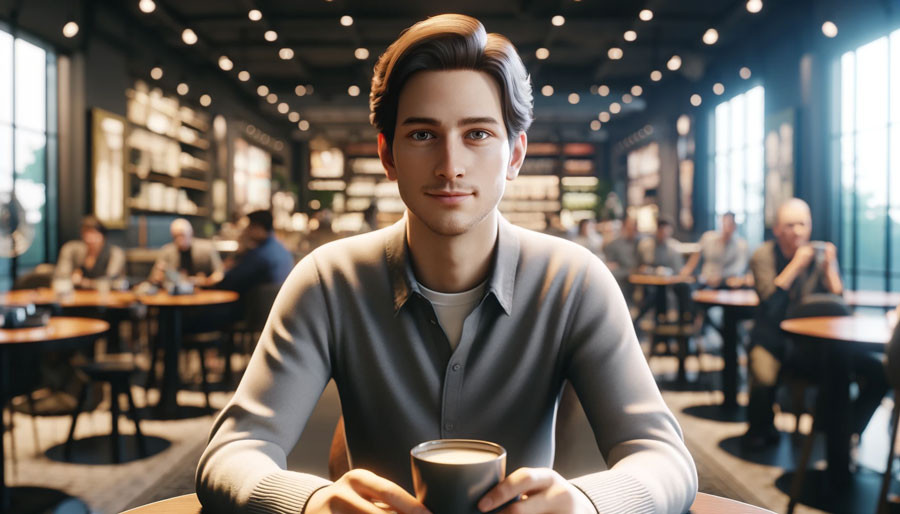
man to anime before man to anime after

Convert Photo to Anime Style

The Photo to Anime tool converts an ordinary photo into anime-style artwork while preserving the structure and key details of the original scene. This makes it easy to experiment with anime-inspired visuals for avatars, illustrations, creative projects, or simply to see how a familiar photo would look in a completely different artistic style.

Try Photo to Anime
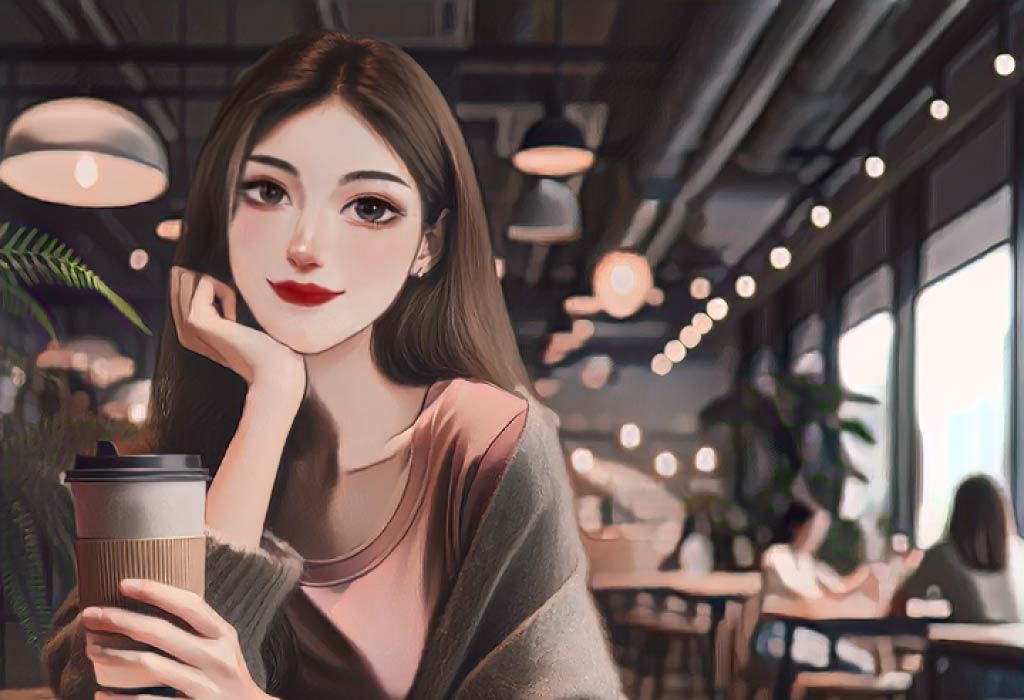
girl to painting before girl to painting after

Turn Photo into Watercolor Painting

Some photos look more expressive when they are presented as artwork rather than standard images. The Photo to Painting tool converts a regular photo into a stylized painted illustration, simplifying photographic details and recreating the scene in an artistic format. It’s a simple way to experiment with a different visual style and give familiar photos a more artistic appearance.

Try Photo to Painting

How to Turn a Photo into a Cartoon

Turning a photo into a cartoon is a quick process, and you can do it in just a 5 simple steps:

  • Step 1: Click the “Add file” button and upload the image you want to cartoonize.
  • Step 2: Choose a style: Cartoon, Sketch, Artstyle, etc.
  • Step 3: Wait about 5 seconds.
  • Step 4: After processing, click Edit this image if you want to adjust the result. In the editor, you can crop, rotate or flip the picture, fine-tune colours, apply filters, add watermarks or annotations, or manually set a new size by entering exact dimensions.
  • Step 5: Check and download your cartoonized image.

What Users Say About Our AI Photo Cartoonizer

  • Better than many I have tried where the output bears no relation to the input

    Anonymous

  • INCREDIBLE TOOL

    Anonymous

  • It’s better then most I’ve tried

    Anonymous

  • Amazing !!!!

    Anonymous

  • Good tool

    Anonymous

  • The results are great!

    Anonymous

FAQ:

01

How to Turn Picture into Cartoon?

Visit “Cartoonizer” by Image Upscaler. Click Upload photo and select the image you want to turn into cartoon. Wait for a few seconds of the cartoonization process and get your picture with cartoon effect. Download cartoonized picture if you like it, or try one more time.
02

Which free picture-to-cartoon converter is the best to work with?

AI Picture Cartoonizer by Image Upscaler is the best image-to-cartoon converter with a user-friendly interface that provides various features and specifications to users. Skilled by deep learning model Picture Cartoonizer transforms any image into cartoons that stand out among the rest. You could create 3 free cartoon images per month.
03

What image formats does AI Picture Cartoonizer support?

AI Picture Cartoonizer supports formats like JPG, JPEG, PNG, WEBP, and BMP, with a maximum size of 30MB. The maximum picture dimension should be up to 10000x10000 pixels. To learn how to choose the right image format, check our image format guide.
04

Can I turn video into cartoon?

Yes. You can easily turn any video into a cartoon using our Video Cartoonizer. Just upload your clip, choose a style, and the tool will convert it automatically.
05

How does an AI cartoonizer convert a photo into a cartoon?

An AI cartoonizer processes different parts of an image separately to produce a natural-looking cartoon result. The system first detects the face and analyzes key facial points such as the eyes, lips, hair, and cheeks using dedicated neural networks. At the same time, the body, background, and landscape are processed using techniques such as edge detection, color quantization, and stylization. After these elements are transformed, the AI combines the cartoonized face with the rest of the scene to generate a complete cartoon image that keeps the structure of the original photo while presenting it in a stylized form.
06

What photo to cartoon online tool is free and without watermark?

AI Picture Cartoonizer lets you create at least 5 cartoonized images for free without watermarks.
07

Can AI Picture Cartoonizer be integrated into other software?

Currently, we‘re working on providing an API for the AI Picture Cartoonizer.
08

How do I Look Like a Cartoon?

To check how you will look as a cartoon you could use the Photo to Cartoon tool by ImageUpscaler which make cartoon from photo.
09

Can I use photo-to-cartoon results commercially?

Yes, you can use photo-to-cartoon results for commercial purposes in accordance with our Terms of Service and Privacy Policy. All exported images come in high quality and without watermarks.
010

Why choose an AI photo cartoonizer?

An AI photo cartoonizer makes it easy to turn regular photos into stylized cartoon images in just a few seconds. These images are often used for social media avatars, profile pictures, memes, and creative content because they stand out more than standard photos. The tool is simple to use — upload an image, let the AI process it, and download the cartoon version without any manual editing.