AI Image Generator
Generate AI images for free, the size 1024*1024 .png (try for free without login)
Sign Up to get free credits every month
Processing will take 20-40 sec.
Credit Balance:
Generate AI images for free, the size 1024*1024 .png (try for free without login)
Sign Up to get free credits every month
Processing will take 20-40 sec.
| Thumbnail | Type | Input | Output | Status | Name |
|---|
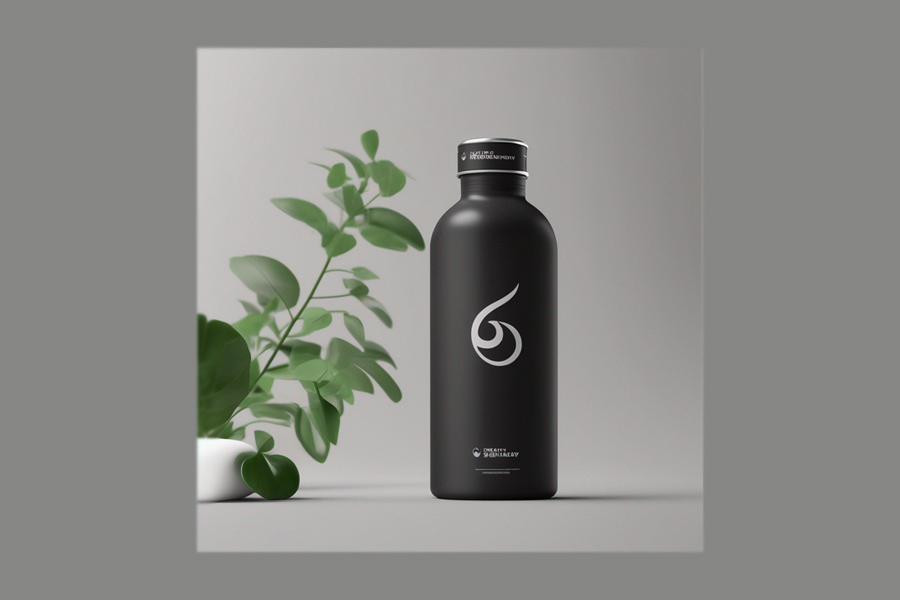
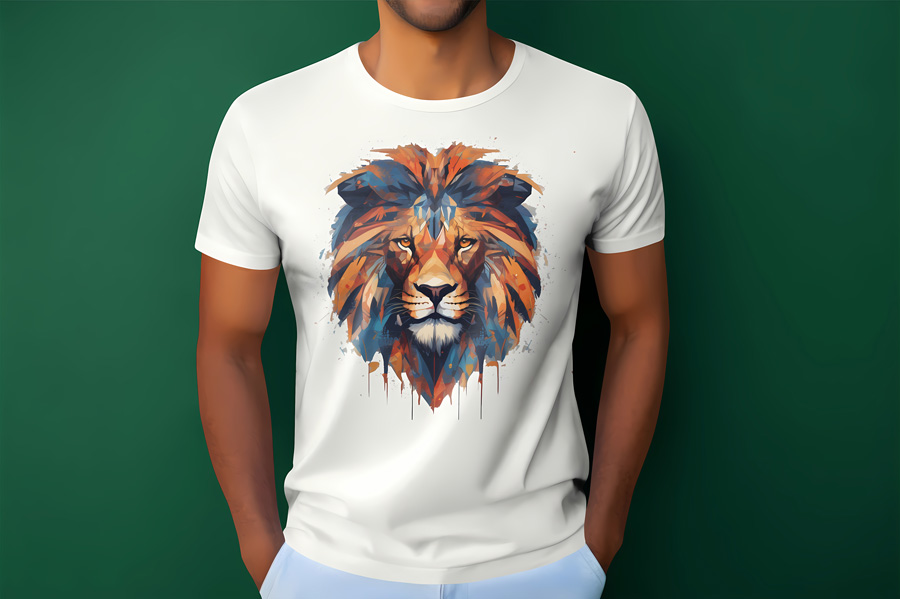
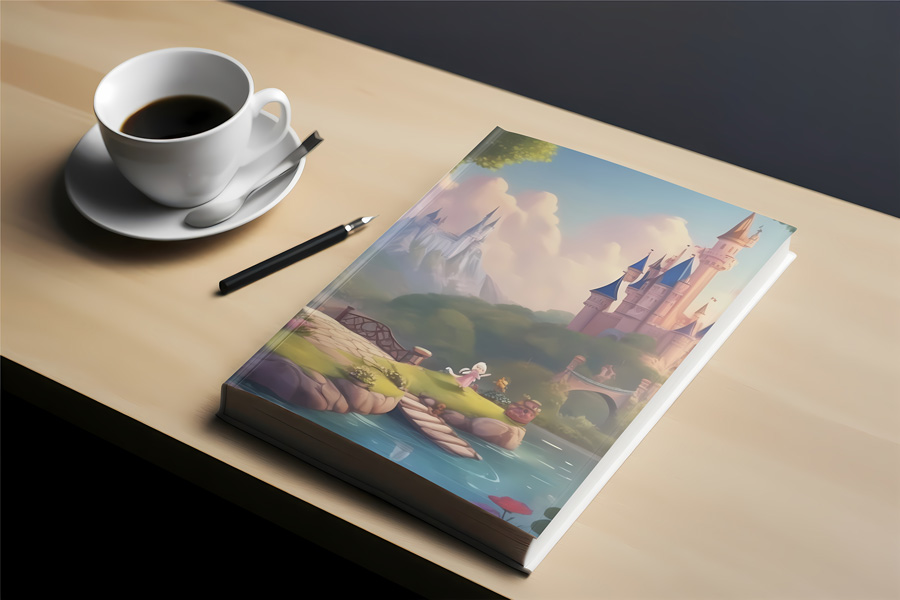

The AI Image Generator lets you create original images from a simple text prompt. Describe the subject, scene, or concept you want to generate, and the system will turn your idea into a unique visual within seconds. You can refine your prompts to adjust details such as objects, composition, and atmosphere to achieve a more precise result. The tool can be used for illustrations, wallpapers, logos, or creative concepts, making it useful for both personal projects and professional content. You can start immediately without registration and receive 5 free credits to try the AI Photo Generator.
Generate AI image
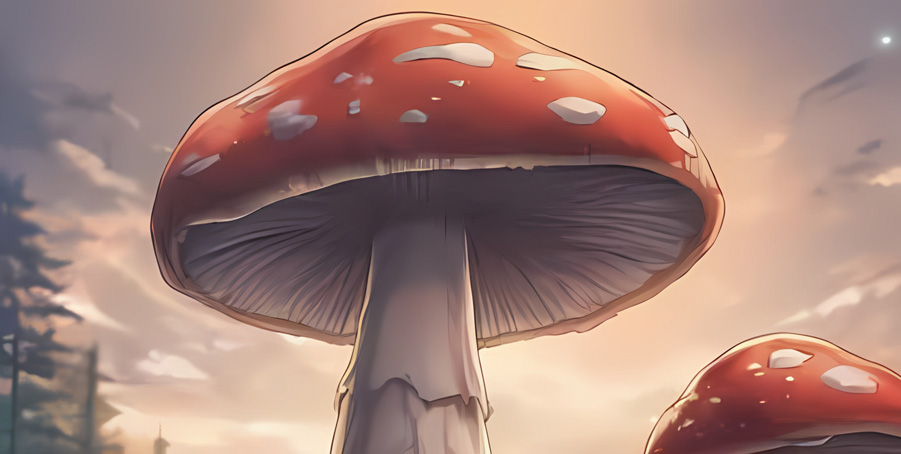
Create anime-style images from text using our AI art generator. By describing the scene, characters, and visual style in your prompt, you can generate illustrations inspired by different anime aesthetics — from classic Japanese animation to modern moe-style artwork. The more detailed your description is, the more accurately the AI can interpret elements such as character appearance, mood, colors, and composition. This allows you to quickly generate unique anime visuals for creative projects, concept art, or personal inspiration.
Generate AI anime
The AI Image Generator also allows you to experiment with a wide range of artistic styles. By specifying the style directly in your prompt, you can guide the system toward a particular visual direction and achieve different creative results. You can generate images in styles such as fantasy, abstract, anime, cartoon, cyberpunk, or digital painting. Choosing the right style helps define elements like colour palette, lighting, and level of detail, allowing you to create AI images that better match the mood or theme of your project.
Generate AI image
Oil on canvas
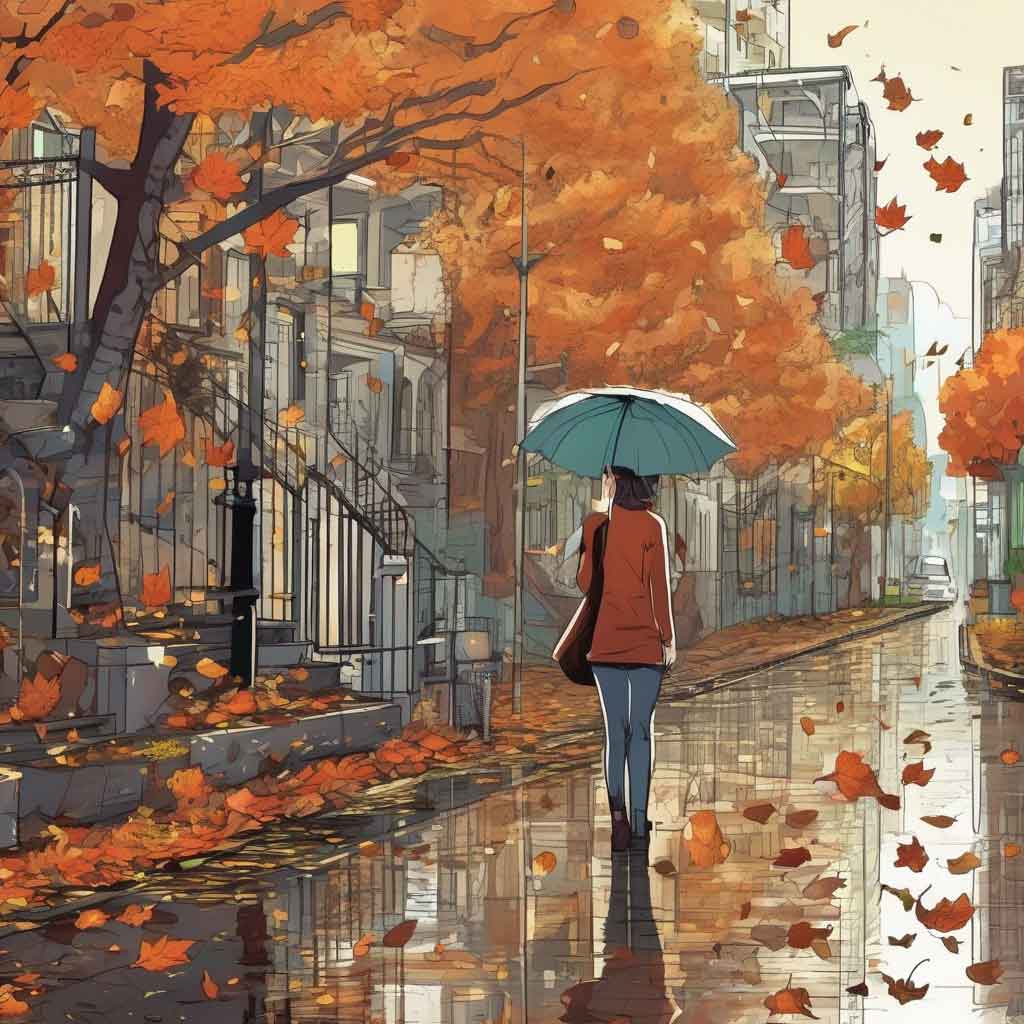
Comics

Watercolour

Anime
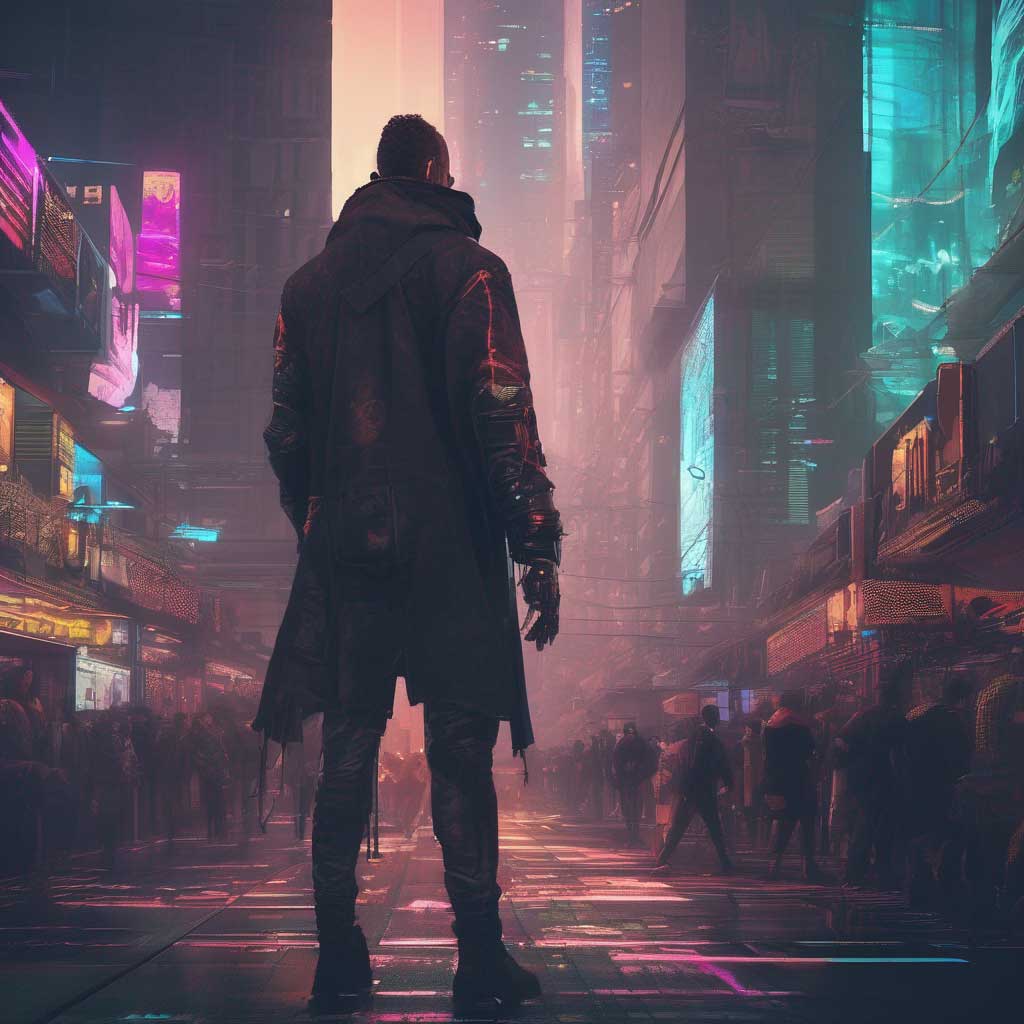
Cyberpunk
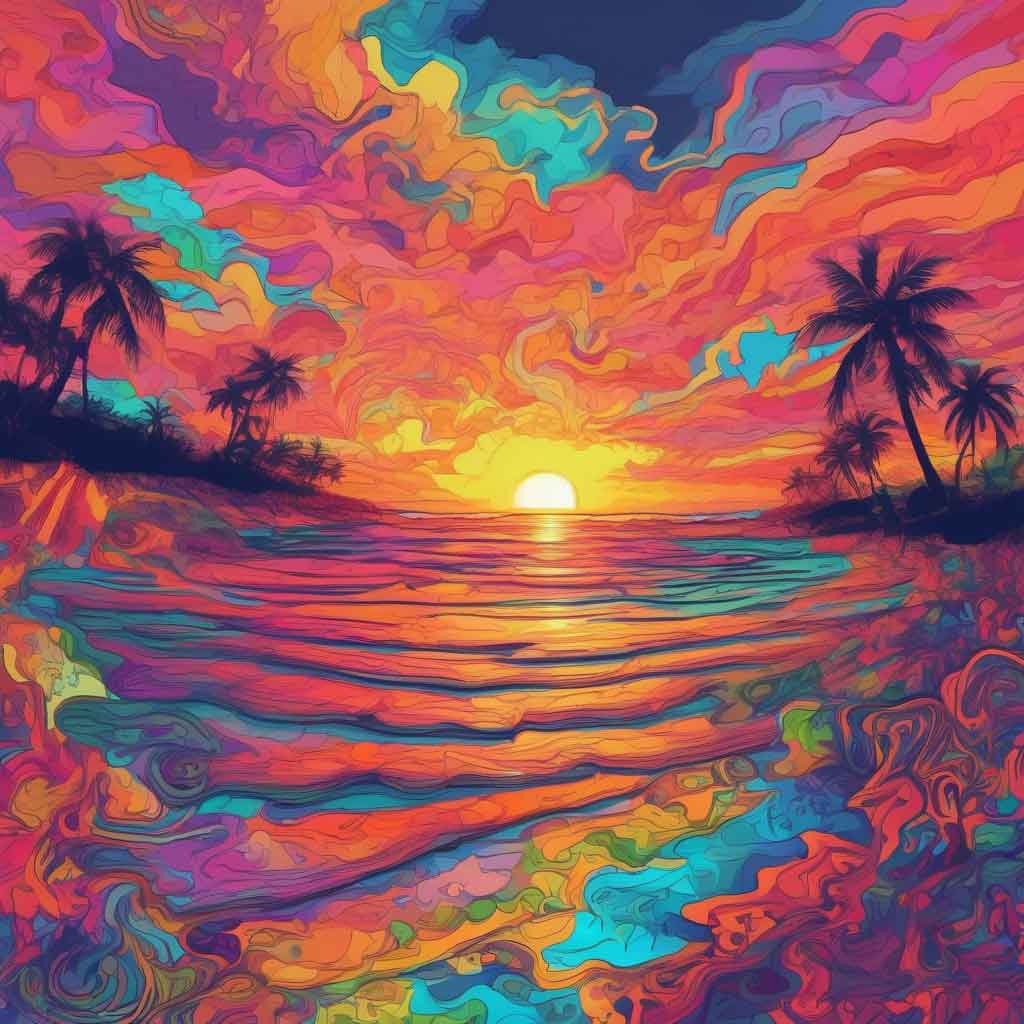
Psychedelic
Creating stunning AI-generated images is simple with our AI Image Generator. Follow these easy steps to bring your imagination to life:
Describe what you want the image to look like in the text prompt field. Be as detailed or brief as you like.
Select a style from the available options or enter your own custom style in the provided field.
Click the "Generate" button to create your AI image. The process may take a few seconds to complete.
Review the generated image. Click “Edit this image” if you want to adjust the result. You can save the image to your device or adjust the prompt or style and generate a new image.
Your credits have been used up. Please visit Pricing Page
to see all available plans. Or Sign Up to get 6 free credits.