
Please upload images to process here:

Upscale Image

Upscale Images up to 16K with AI
Sign Up to get free credits every month

Upscaling process takes 10-40 seconds

Credit Balance:
Add file
Add file or drop files here

Supports JPG, JPEG, PNG, WEBP or BMP up to 30MB and 2000x2000;
larger images will be downsized.

Thumbnail Type Input Output Status Name

Processed images


  • Before Upscale Image After Upscale Image

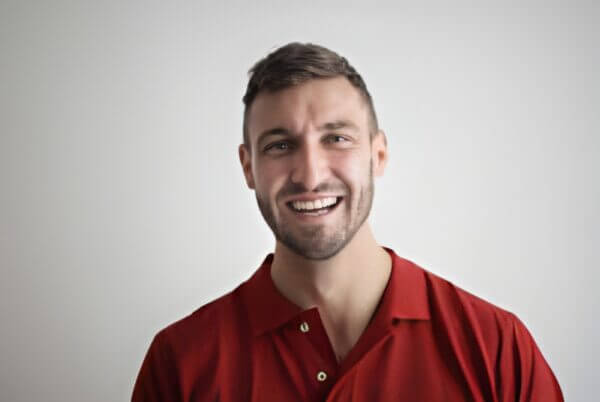
    Use FacePro 8x on Your Photo

  • Before Upscale Image After Upscale Image

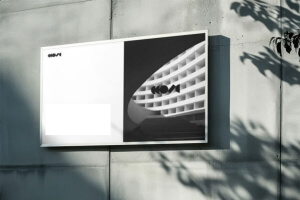
    Increase Resolution of Printed Images

  • Before Upscale Image After Upscale Image

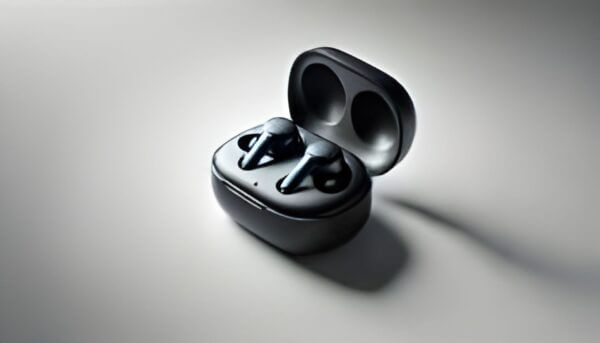
    Upscale Product Photos

Before Upscale Image After Upscale Image

Increase Resolution of Image Online with AI

AI has significantly improved the way image upscaling works. Modern AI Upscale image tools analyze pixel patterns in low-resolution images and generate missing visual information to recreate details more accurately. This makes AI-powered tools one of the easiest ways to upscale an image up to 16K while maintaining clarity and structure. The process runs automatically, allowing you to increase image resolution in seconds without manual editing or complex software. If you want to learn more about the technology behind this process, read our guide on How does AI Image Upscaling Work

Start Upscaling
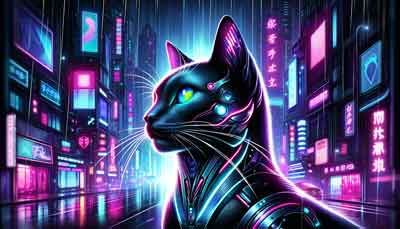
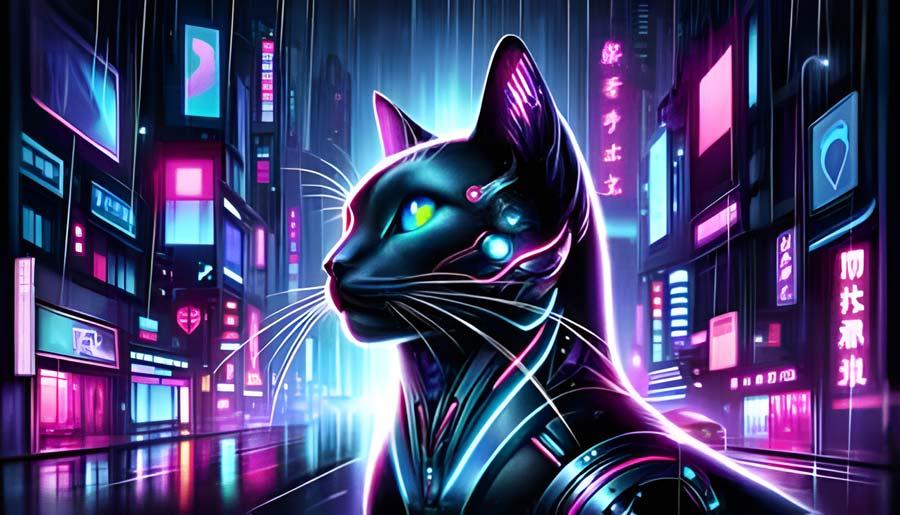
cyberpunk cat before upscale image cyberpunk cat upscaled

Who Needs to Upscale an Image?

AI image upscaling is a valuable tool for photographers, designers, and marketers who need to convert low-resolution visuals into higher-resolution images for professional use. It is equally useful for e-commerce business owners who want clearer product photos for online stores and marketplaces. Designers often upscale graphics for print materials such as stickers, postcards, posters, banners, or product packaging, where higher resolution helps preserve details.. Even for personal use, this technology allows users to upscale old family photo or prepare images for high-definition displays in just a few clicks.

Start upscaling

How to upscale an image online?

Here are the 5 easy steps on how to upscale an image:

  • Step 1: Click the “Add file” button and upload the image you want to upscale
  • Step 2: Set up processing options: 2X, 4X (If you want 6X, 8X, you need to subscribe)
  • Step 3: Wait for 5-40 seconds while the upscale process goes
  • Step 4: After processing, click Edit this image if you want to adjust the result. In the editor, you can crop, rotate or flip the picture, fine-tune colours, apply filters, add watermarks or annotations, or manually set a new size by entering exact dimensions.
  • Step 5: Check and save the upscaled image to your device.

Upscale Image up to 16K

You can increase the size of an image up to 16K, depending on its initial size. If the image size is less than 2000 pixels, it will be multiplied by the number of times described below.
If an image is 1000×1000 and you use 4x, the final image will be 4000×4000. However, images larger than 2000 pixels will first be reduced to 2000 pixels, and then upscale using the following method:

  • Upscale 2х image resolution up to 4K (4000*4000 px)
  • Upscale 4х image resolution up to 8K (8000*8000 px)
  • Upscale 6х image resolution up to 12K (12000*12000 px)
  • Upscale 8х image resolution up to 16K (16000*16000 px)

IDEAL UPSCALE TOOL FOR YOUR NEEDS

With the AI Upscale Image tool, you can:

Security

Increase the resolution of images from Security Cameras and Surveillance Footage

newCreated with Sketch Beta.

Personal and business need

Make your photos look better for personal or business use

E-commerce

Upscale photos for E-commerce websites to provide clearer views of your products

Science

Increase photo resolution captured by telescopes

brushCreated with Sketch Beta.

Design

Make high-resolution pictures for website design

Education

Increase the resolution of images used in educational materials and textbooks

Printing

Increase photo resolution for large-scale printing

Medicine

Upscale medical images like X-rays, MRIs, or ultrasound scans

What Users Say About Our Upscale Image Tool

  • Upscaling is clean and accurate. Satisfaction has been maintained, thank you!

    Raymond

  • It is great and useful, i loved it. I like the less number of barriers and offc the results

    Harpreet singh, Visual arts

  • Positive because of speed and easy to use, and the results are really good, I have just tried landscapes

    Kent Steinhaug, Photographer

  • The Best Upscaler I have seen, also free and easy to use

    Anonymous

  • The experience is very good like its easy and very pocket friendly. I like the quality and speed of upscaling the image

    Anonymous

  • I really like the quality of the picture when i upscale them.

    Anonymous

FAQ:

01

Will the file size increase when I increase resolution of image?

Yes, AI upscale processes will alter the image size, due to adding more pixels.
02

Which format can be used for image upscaling?

You can upscale images in JPG, JPEG, PNG, WEBP, and BMP formats. If you’re unsure which format to use, read our Best image format guide.
03

Is the upscale image tool free?

Image Upscaler provides 5 free credits per month for all registered users so you can increase the resolution of 5 images monthly without any charges. Register now.
04

How does the AI Upscale Image tool work?

AI image upscaling increases image resolution by generating new pixel data instead of simply stretching the original image. The system analyzes shapes, edges, textures, contrast, and repeating patterns to understand the structure of the picture. Based on this analysis, the model reconstructs missing details and generates new pixels that match the original image, resulting in a clearer and more detailed photo. To learn more about the technology, read our guide on How does AI Image Upscaling Work
05

What is the highest output resolution I can get?

Using the AI Image Upscaler, you can make pictures bigger, up to 8000x8000 pixels. If your picture is really big, like 10000x10000 pixels, the software first makes it smaller, to 2000x2000 pixels and then the Upscale Image tool increases the resolution of the picture to its biggest possible size, 8000x8000 pixels, making sure the picture looks clear and sharp.
06

Which photo can I upscale?

AI Upscale Image works with any images, but you will get a better result using pictures that were not previously upscaled. Our online tools show better results on logos, cartoon pictures, animes, or any other synthesized image.
07

What is the difference between 4K and 4x upscaling?

In image upscaling 4K refers to the resolution of an image approximately 4000 pixels wide, resulting in clearer and more detailed visuals. 4x, however, relates to the process of increasing the resolution of an image by 4 times its original size. While 4K focuses on achieving a specific high-resolution standard, 4x is about the multiplication factor applied to improve an image. With Image Upscaler, you can use 4x image upscaling and increase image resolution up to 8k.
08

Is 4K upscaling as good as 4K?

The main difference between 4K and 4K upscaling is that 4K refers to content with a native resolution of 3840 x 2160 pixels, while 4K upscaling is a process that enhances lower-resolution content to approximate a 4K resolution without losing quality.
09

Can I upscale a blurry image?

Our AI Image Upscaler can help increase the resolution of images while trying to improve clarity and reduce blur effects during the upscaling process. However, for best results, we recommend using an Unblur Image tool first, followed by using our Upscaling tool.
010

When should I use AI upscale image?

AI image upscaling is useful whenever you need to improve image quality before using it in real projects. Designers often upscale images before printing, where higher resolution helps maintain fine details. It is also helpful for enhancing AI-generated images, computer graphics, or visuals used in websites and presentations. Artists and illustrators may upscale anime or cartoon-style images before preparing book illustrations or other creative projects. E-commerce businesses can improve product photos for online stores and marketplaces, while everyday users often upscale personal images.